
Logistics
This section shows what logistics, storage and acceptance cost you, and books acceptance slots at WB warehouses.
Costs for 4 weeks
At the top you see logistics, storage and paid acceptance from WB reports, their share of sales with the change against the previous 4 weeks, and delivery per sale. "Logistics by product" breaks delivery down by product: per sale, as a percentage of price and for the whole period, with daily storage next to it. "Storage by warehouse" shows what one day of storage costs at each warehouse.
Auto-booking
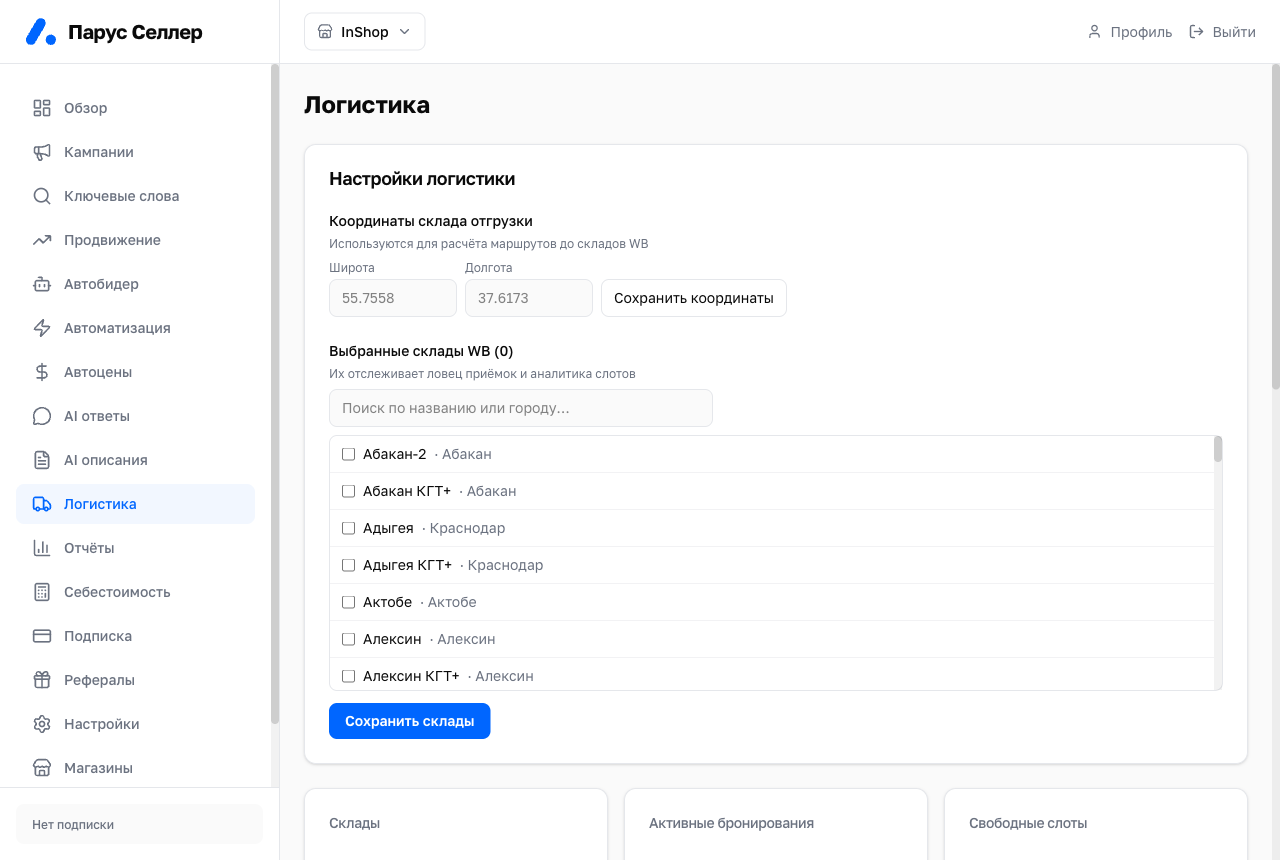
Auto-booking checks acceptance slots every two minutes and books only slots that cost no more than your ceiling. It needs four steps to work: "Shipping warehouse coordinates", "WB cabinet login", "Drop-off points" and "Warehouses and ceiling". Without a WB cabinet login it finds slots but does not book them. The 7-day summary sits above the steps, and every action is visible in the "Auto-booking log" block.
Acceptance slots
"Where to ship next" shows acceptance coefficients by warehouse for the next two weeks. The cell colour means: free, no more than your ceiling, above your ceiling, or no slots. The "Watched" and "Only ×0" filters narrow the table.
Supplies and requests
"Supplies and bookings" shows supplies in progress: warehouse, date, products, quantity and a step out of five. After booking, rescheduling and cancelling carry a WB penalty. The "Auto-booking requests" block shows the queue, and you can cancel any request. The "Create" button adds a new request.
A booking is tied to a real supply. Check the warehouse and date before creating a request.
Routes to warehouses
The map shows WB warehouses and your shipping point, north up, as on Yandex or Google maps. Zoom with the + and − buttons, a double click, Ctrl (⌘ on Mac) plus the mouse wheel, or two fingers on a phone. Warehouses close together merge into a circle with a count, and clicking it zooms in on them.
The colour of a point shows the best acceptance over the next 7 days: free, within your ceiling, or above it. A blue ring marks a warehouse under autobooking. Clicking a warehouse opens a card with acceptance by day, the distance, the stock there and a button to add it to autobooking or remove it. The list beside the map shows the warehouses in the frame, autobooked ones first.
Distances are measured in a straight line. Free acceptance 1,500 km away can cost more than paid acceptance nearby, because the leg to a distant warehouse is more expensive.
Route optimization
The service calculates how much of each product to send to which warehouse, based on where the product is bought. Choose a sales period of 14, 30, 60 or 90 days and click "Compute".