Everything a WB seller does by hand, Parus does on its own
At night Parus Seller pulls together your Wildberries reports, and by 09:30 it gives you a list: what happened and what it costs per week. It runs bids, prices, customer replies and supplies itself, and Parus Warehouse receives and ships the goods.
No card. You will need a WB key when you connect your store.
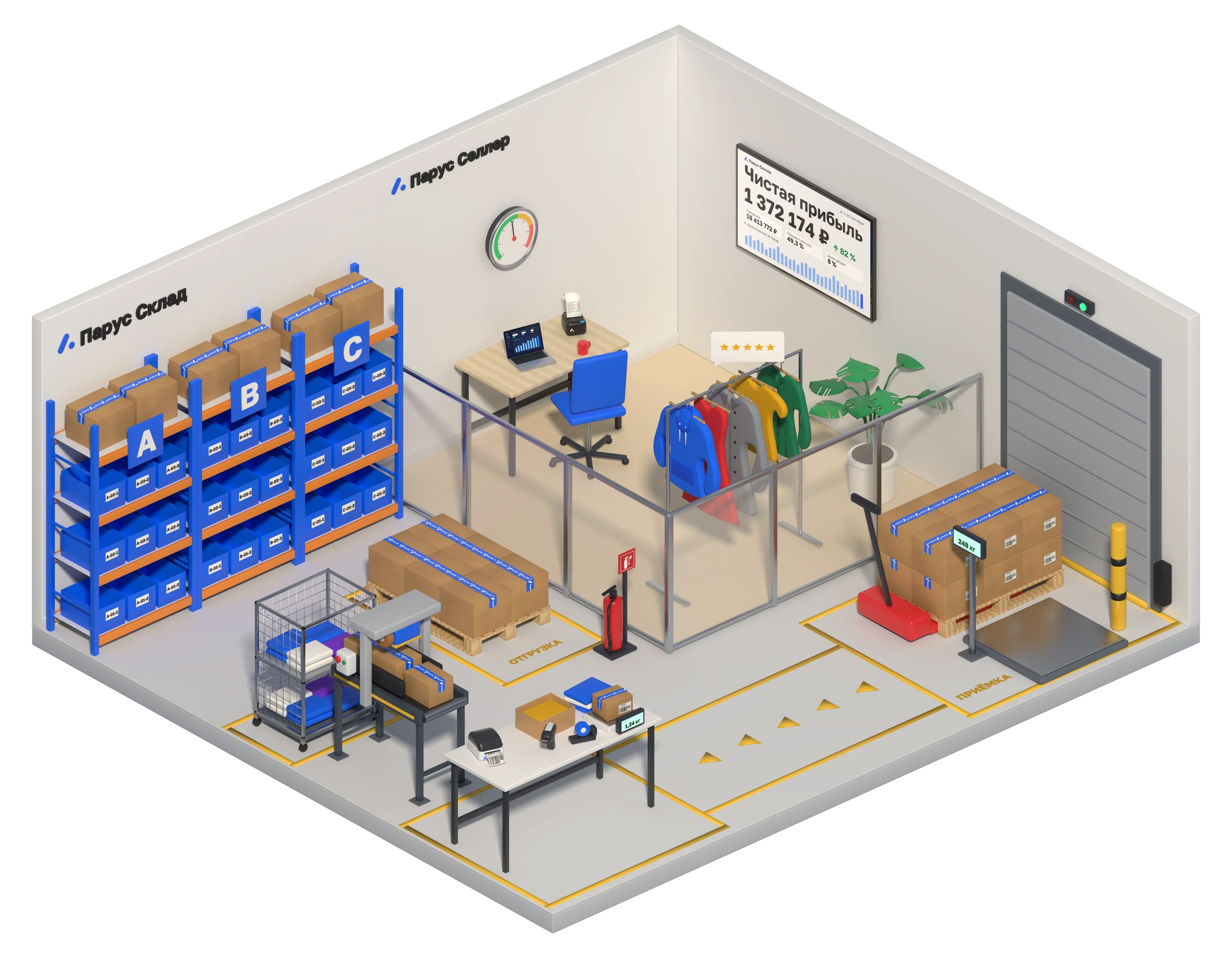
Warehouse and account under one roof. Come in without signing up
Parus Warehouse on the left, the seller account on the right. The demo account of the Vestra store opens straight away: 40 clothing product cards, orders, ads and reports for 90 days. The figures are illustrative, the account is real.
View only, no sign-up
The path of one box: from receiving to payout
Parus Warehouse
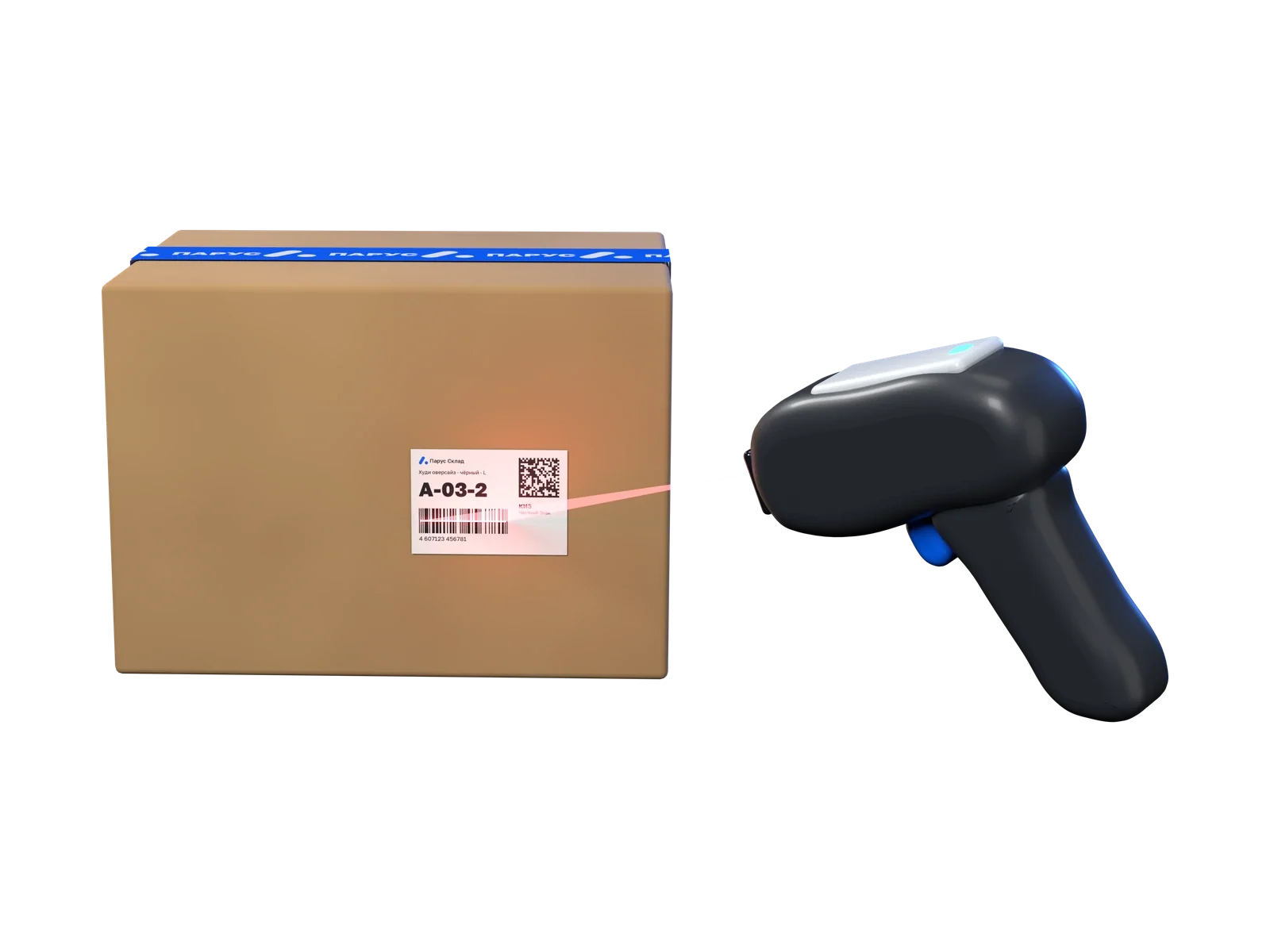
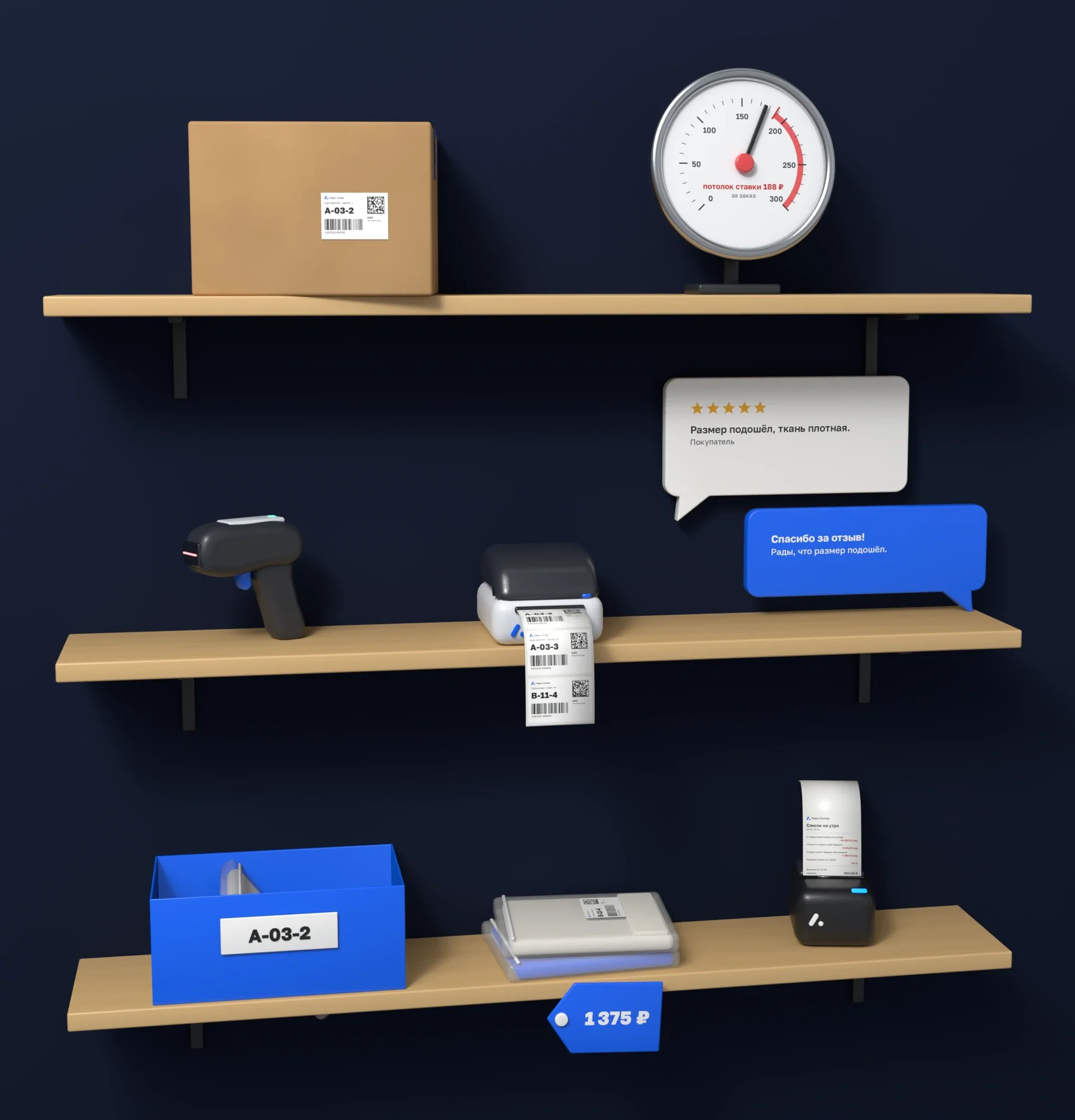
The scanner checks the supply against the list
Paste the supply list from Excel and scan items one by one. The screen shows what is missing and what arrived extra.
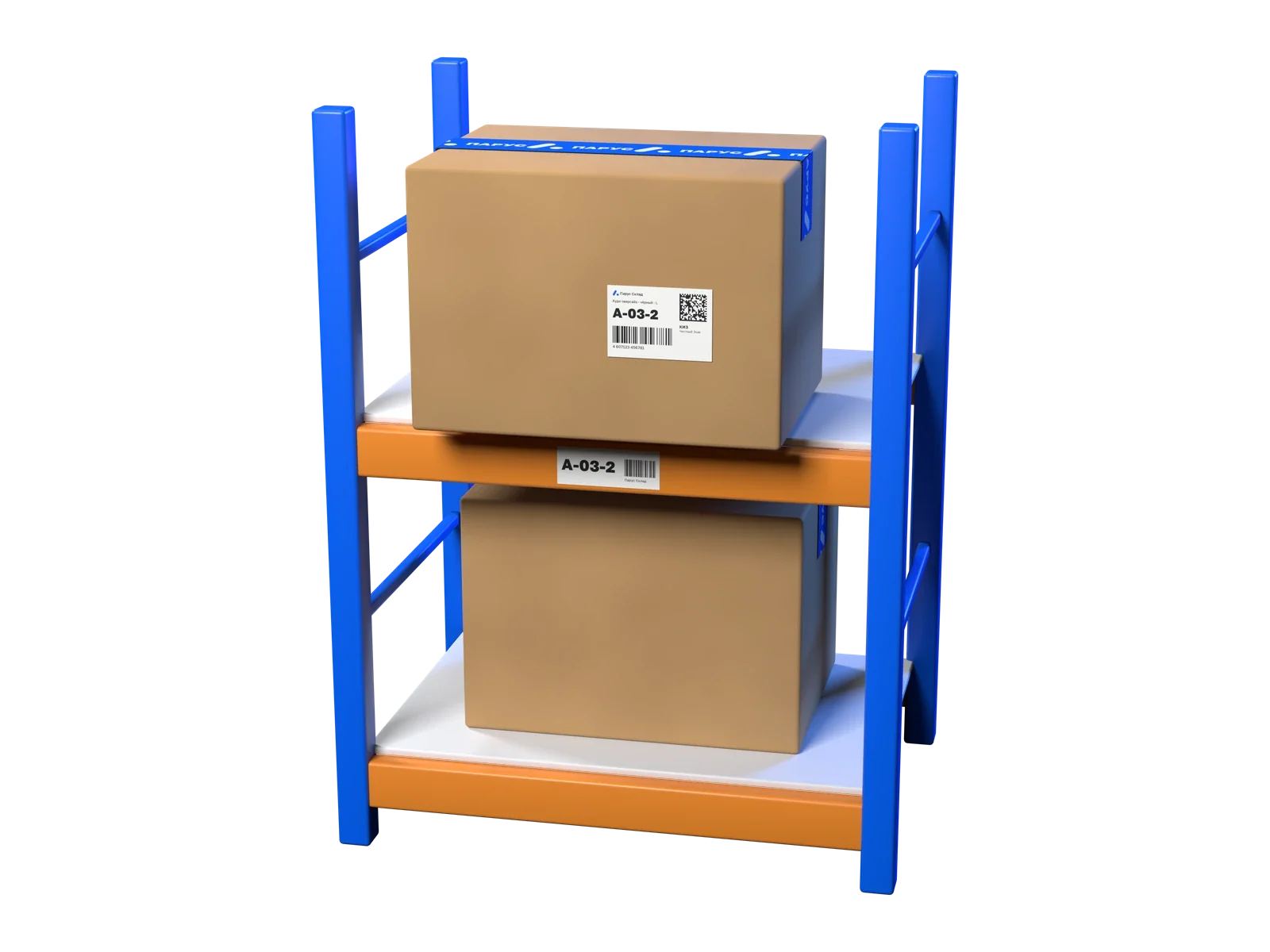
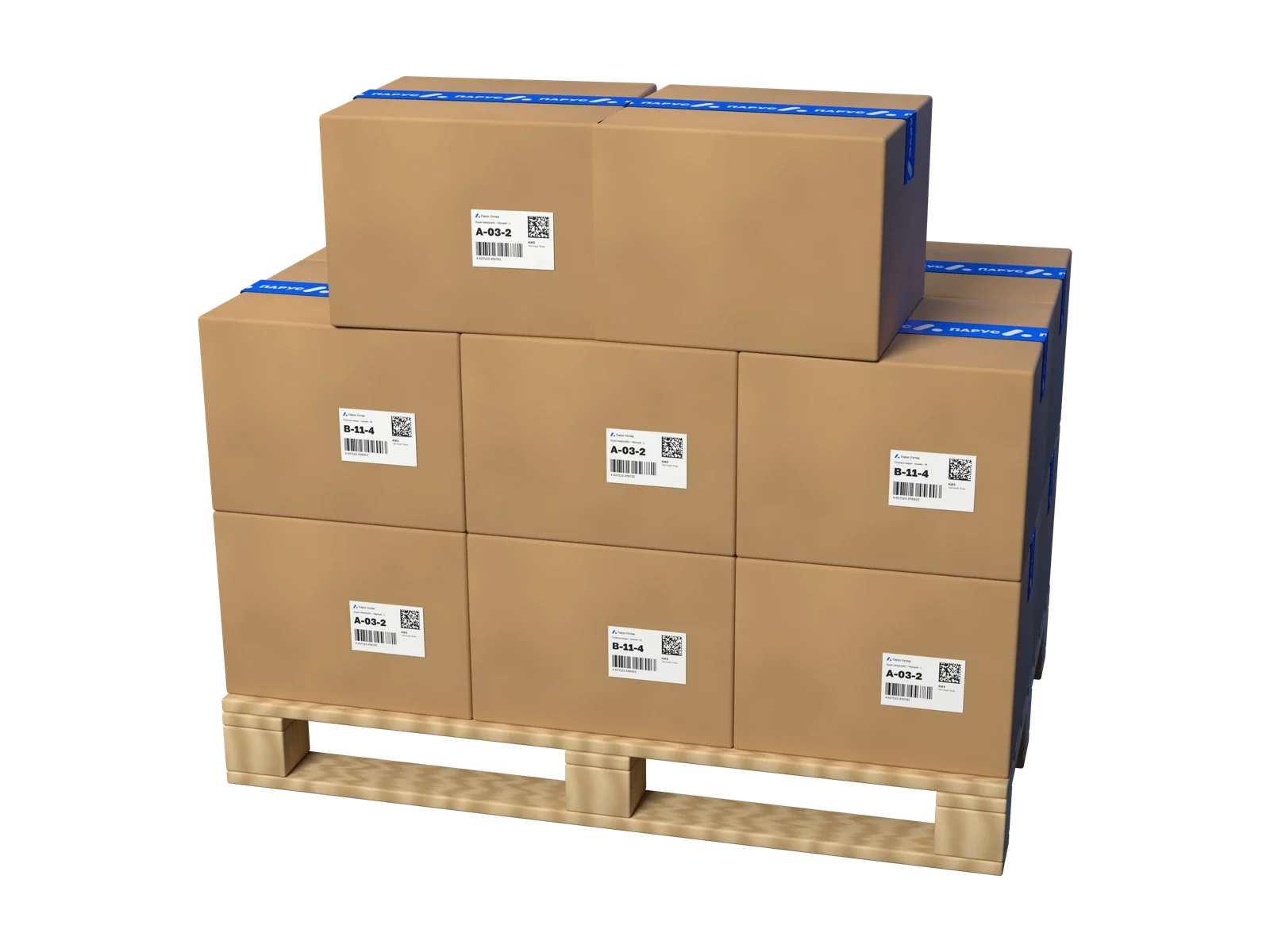
Every box has its own place on the rack
Cells are created in ranges. The box remembers its place, and the items in it move with it. Stocktaking is blind: the storekeeper counts a cell without seeing the plan.
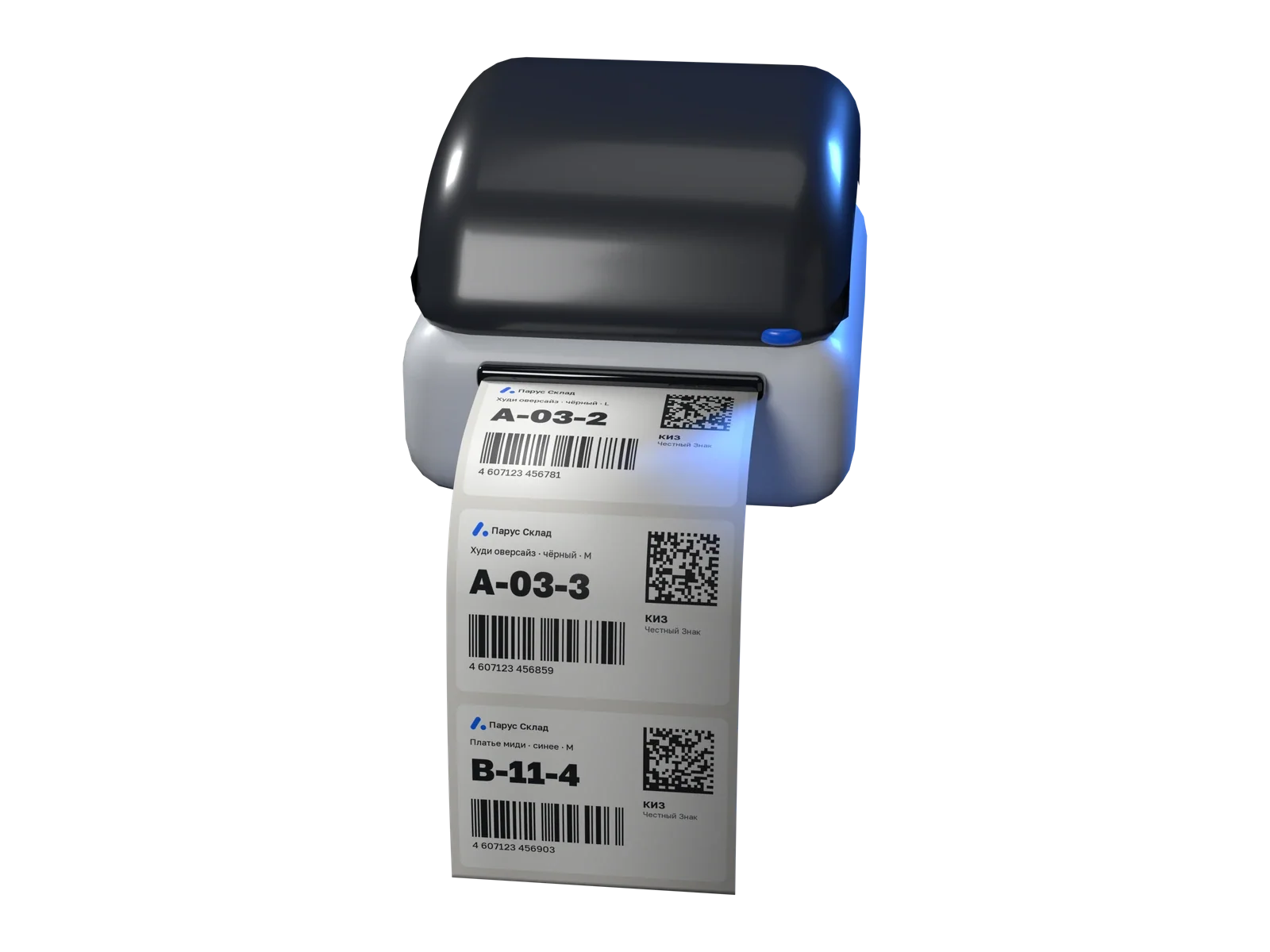
58×40 label and Chestny Znak code
Labels print on a 58×40 thermal printer. DataMatrix codes are scanned at receiving and picking, and the code file is exported for your Chestny Znak account.
Where to take it, when and how much it costs
Parus watches acceptance dates at the pickup points and sorting centres you choose and books a supply as soon as a free slot appears. FBS tasks come from WB, picking is done by scanner, FBO is picked by box.
Parus Seller
Card, price and customer replies
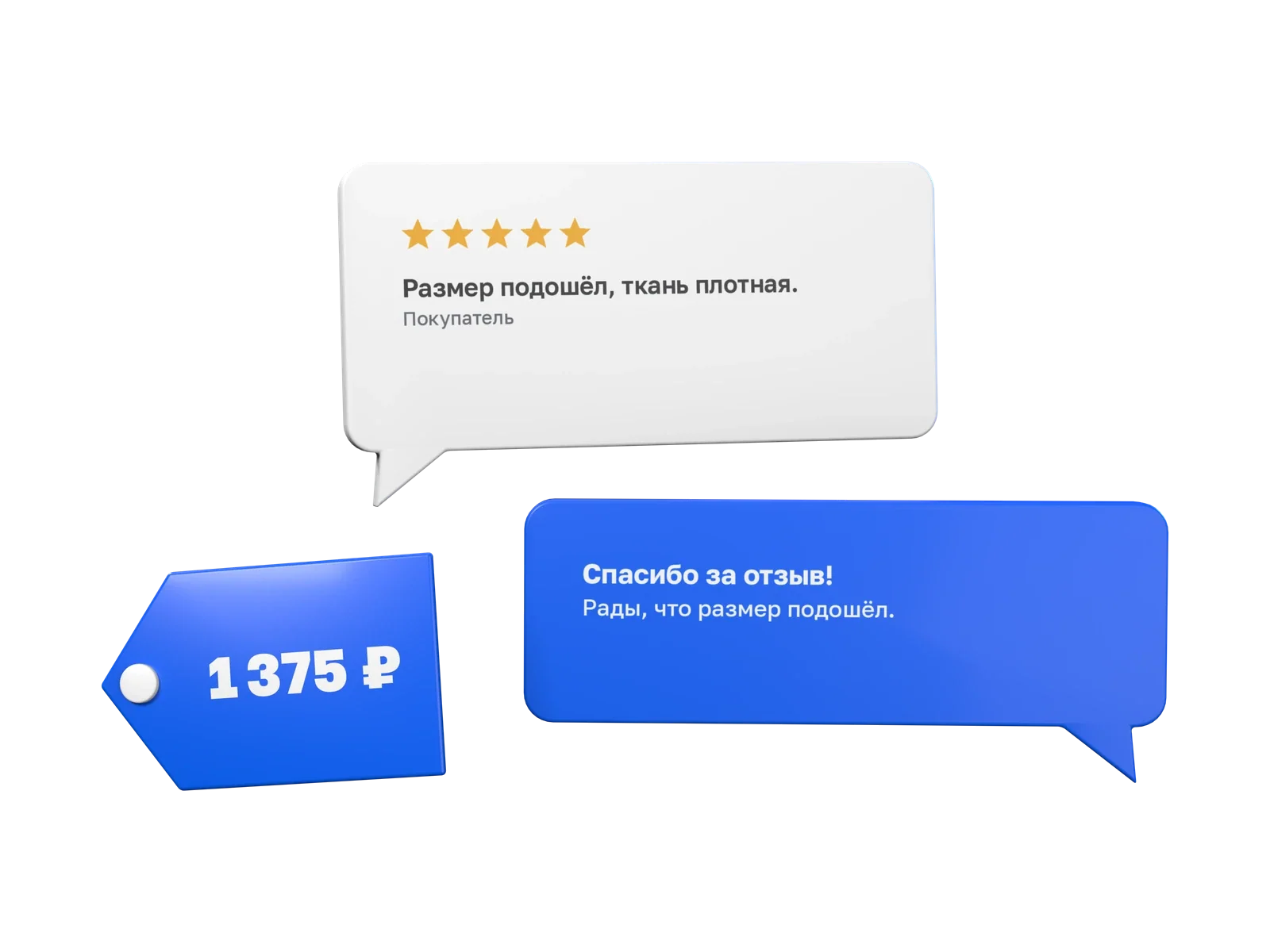
The card is compared with the top five in its subject by photos, description, attributes and rating. Prices change once a day after 09:00 within limits you set. Parus answers reviews and chats every 5 minutes, and questions every 15.
Bid no higher than the cap
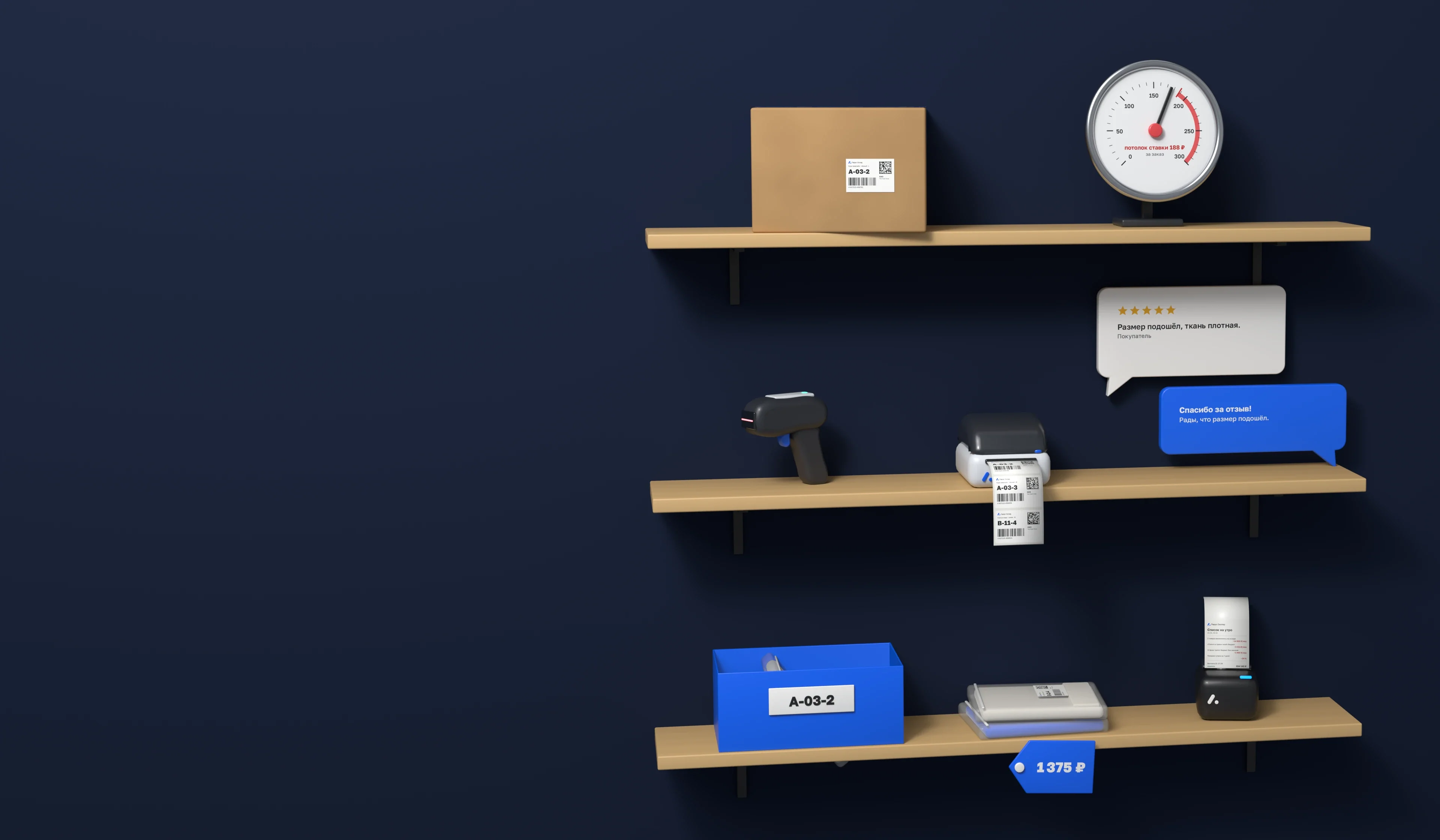
Autobidder calculates how much an order can cost at your margin and lowers the bid to this cap once an hour. It starts in rehearsal mode: it shows decisions but does not change bids until you allow it.

Morning list and payout check
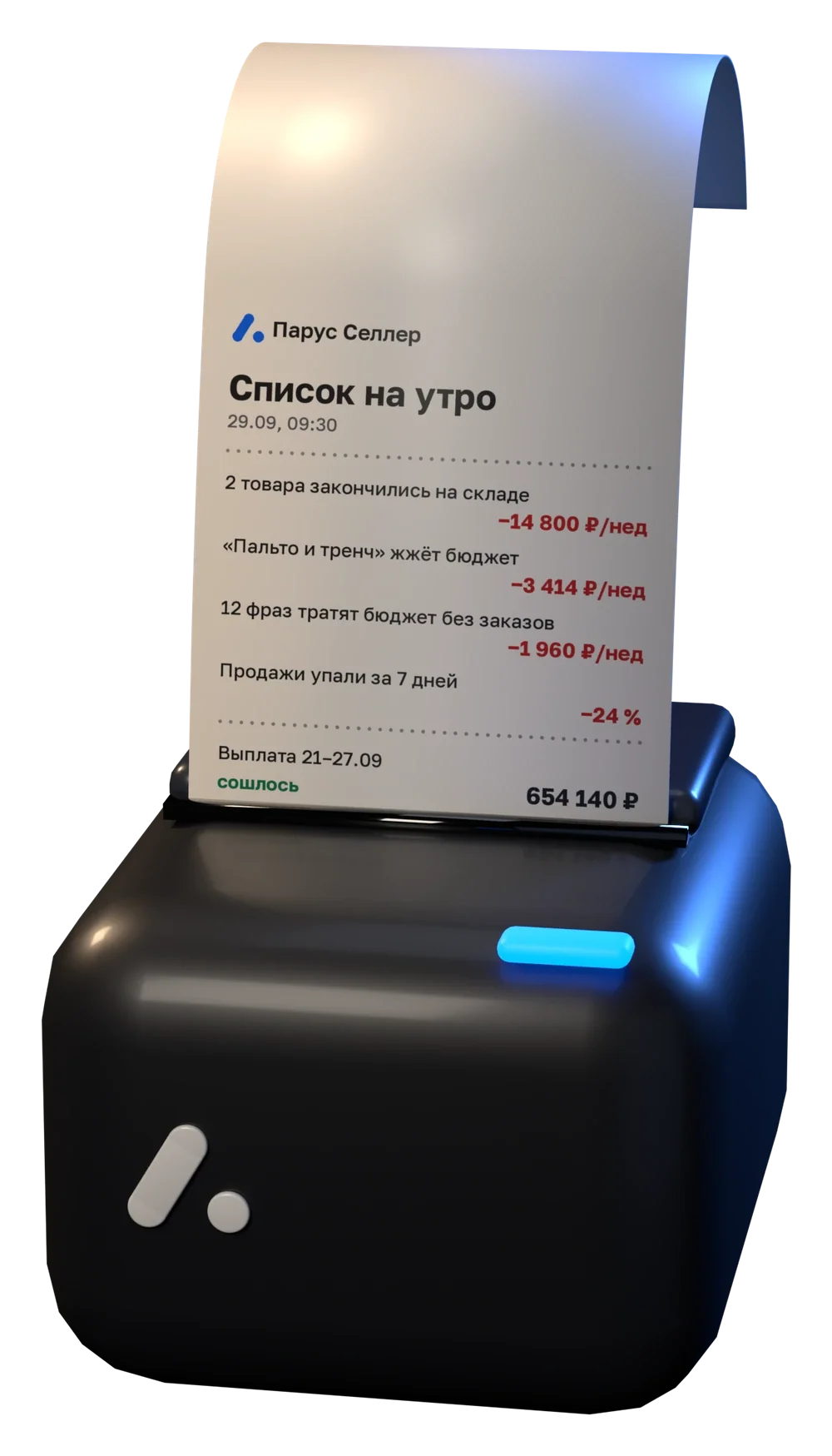
At night Parus pulls together the WB reports. By 09:30 the list is ready: what happened and what it costs per week, and every line has "How we counted". Once a week the payout is checked against "Total payable" in the WB report.
 Parus Seller
Morning list
29.09, 09:30
- 2 products are out of stock at the warehouse−14,800 ₽/week
- "Coat and trench" burns the budget−3,414 ₽/week
- 12 phrases spend budget with no orders−1,960 ₽/week
- Sales fell over 7 days−24%
How we counted
Example: Vestra demo store
Everything included in the plan
Features are the same on every plan. Plans differ only in the number of stores and products.
Money
- Morning listin demoWhat happened and what it costs you per week
- Reports and payout checkin demoA WB week line by line, the payout matches "Total payable"
- Penalties and deductionsBy week, from the report line-item detail
- Cost and marginHow much is left from one sale of each product
Advertising and demand
- Autobidderin demoLowers the bid to your margin ceiling or steers it toward your ad cost share target: two modes
- Campaigns and budgetsBudgets every 30 minutes, daily spend limit
- Positions and phrasesYour WB search position for your phrases, and a boost for them
- WB TrendsProducts and niches with growing demand
Product card and customers
- Card vs leadersPhotos, description, attributes and rating against the top 5 of the subject
- AI DescriptionsText based on your phrases goes straight into the card
- AI Repliesin demoReviews and chats every 5 minutes, questions every 15
- Auto PricingOnce a day after 09:00, never below your margin
- Content protectionFinds cards using your photos and prepares a package for a complaint
Supplies and stock
- Stock forecastin demoWhat runs out in 14 days and what sits with no orders for 30 days
- Acceptance windowsDates and acceptance price at chosen pickup points and sorting centres, a warehouse map from your location
- Slot auto-bookingCatches acceptance within your coefficient cap
- SuppliesEach supply from draft to shipment
Parus Warehouse
- Scanner receivingList from Excel, shortages and surpluses
- Cells and stocktakingCells by range, blind recount
- Labels and Chestny Znak58×40, DataMatrix, codes file
- Shipments and client actFBS, FBO, DBS, monthly charges to clients
Team and stores
- Several storesAll stores in one account, a summary across all
- TeamStaff and roles for each store
- Telegram notificationsAlerts and reports while you are away from the cabinet
Free, no sign-up
- Profit calculatorCommission from the WB API by category, logistics by litres
- Label generatorBarcode, 58×40, PDF, up to 30 pieces
- Fulfilment calculatorWhat fulfilment costs for your volumes
- ArticlesCommissions, penalties, logistics and payouts based on WB data
Soon
- Equipment storesoonLabel printers, thermal labels, packaging
- OzonsoonWildberries only for now, get notified at launch
What happens in 14 free days
Days count from connecting your first store. Until then you can look at the demo as long as you like.
- Day 1
WB key and first data
You create a key following the instructions, and in 5–10 minutes the account shows products, orders and ads. The warehouse works without a key.
- Day 2, 09:30
First morning list
What happened overnight and what it costs you per week, with "How we counted" on every line.
- First week
First payout check
The WB weekly report is broken down by line, the payout is checked against "Total payable".
- All 14 days
Automation in rehearsal mode
The Autobidder shows which bids it would place. You turn it on when you agree with its decisions.
- Day 14
Decide whether to stay
You choose a plan. We did not ask for a card at the start, so nothing is charged automatically.
How much goes on ads beyond what the product can bear
Three numbers from your WB account and your economics. We calculate it the way the Autobidder does: an order from ads must not cost more than 70% of the profit per sale.
Over the cap per month
52,440 ₽
The Autobidder lowers the bid towards the cap once an hour. At first it works in rehearsal mode: it shows which bids it would set and changes nothing.
Separate services or one plan
Sellers usually build their setup from several subscriptions: analytics, bidder, prices, replies, warehouse. Each has its own key, its own login and its own price.
| Task | Separate services | Parus Seller |
|---|---|---|
| Analytics and reports | separate subscription | included |
| Ad bids and budgets | separate subscription | included |
| Auto Pricing | separate subscription | included |
| Replies to reviews | subscription or pay per reply | included |
| Supplies and auto-booking | separate subscription | included |
| Warehouse and product marking | separate program | included |
| WB keys and logins | one per service | one |
| Trial period | usually 1 to 3 days | 14 days, no card |
| Per month | sum of subscriptions | from 4,490 ₽ for everything |
Price list
14 days free, no card. All features in every plan, warehouse included.
For Wildberries sellers
Warehouse only, for fulfilment
Prices per month when billed yearly. Monthly: the crossed-out price; six months: 10% off. More stores or products: build a plan in the configurator.
Try free for 14 daysBuild your own plan
One store with a huge catalog or several small ones, the price follows your configuration, not someone else's grid.
The first 300 SKU are included; beyond that: 500 ₽ per 1,000. More than 10 stores or 10,000 SKU: individual setup: from 45,000 ₽/mo for an 80,000-SKU catalog. The preset plans above follow the same rules, fixed as bundles: Business also includes priority support. AI replies are unlimited on every plan.
Your plan
7,990 6,390₽/mo
billed yearly: 76,680 ₽ · you save 19,200 ₽
That's the Pro plan, grab it in one click.
Try free for 14 daysYou create the key. You can revoke it at any time
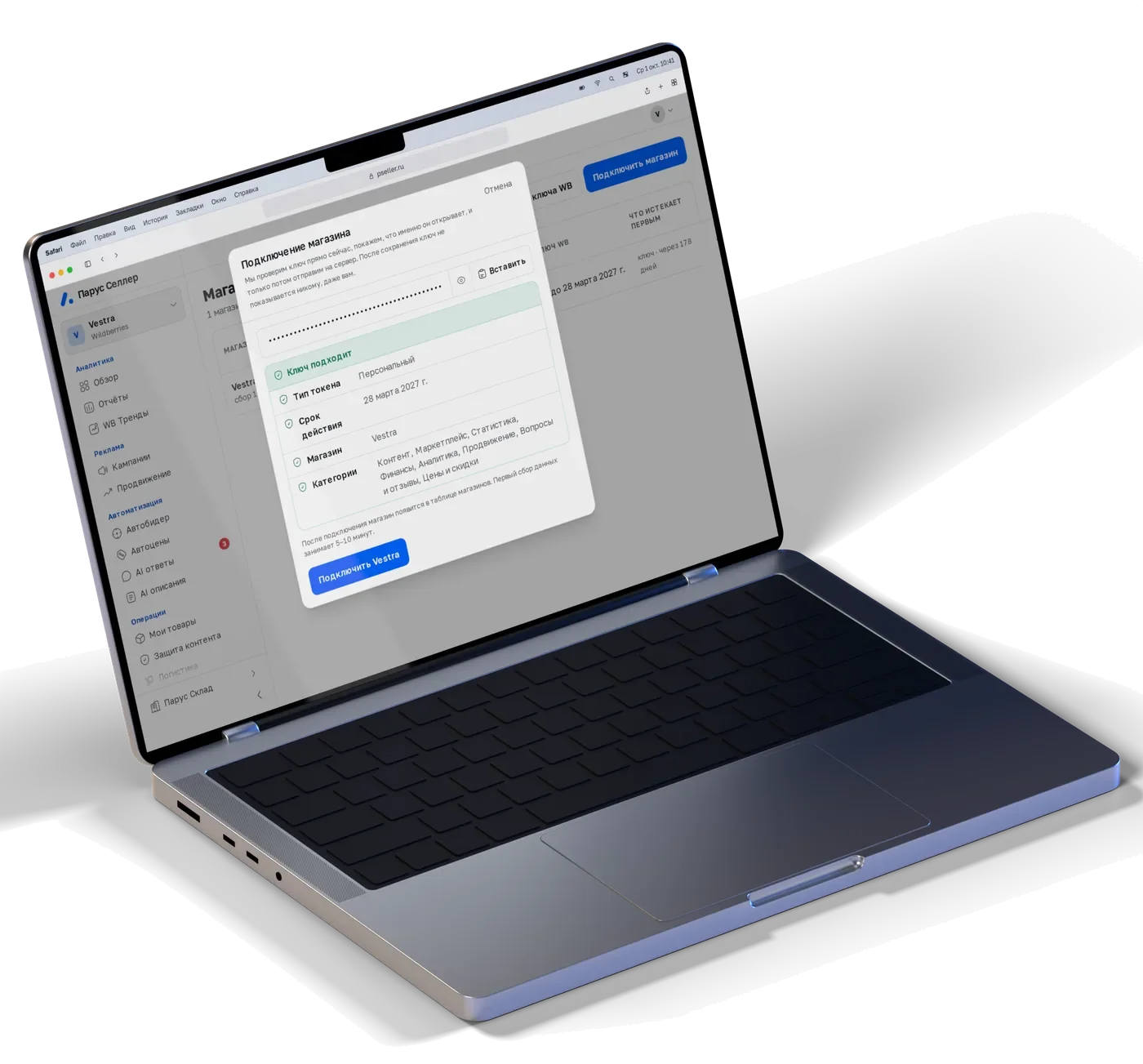
- You don't need the login and password for your WB account. Parus works with an API key, and you choose the access categories in it.
- The key can't be used to withdraw money, change bank details or delete the store.
- The key is stored encrypted, and the encryption key is kept separately from the database.
- Automation changes nothing until you turn it on. Bids have a cap, prices have a minimum margin, campaigns have a daily limit.
- Delete the key in your WB account, and Parus loses access at once. Auto-booking of slots needs a separate login with a phone number and an SMS code, and only you can turn it on.
Common questions before you connect
What happens after 14 days?
You choose a plan and carry on. We didn't ask for a card at the start, so nothing will be charged on its own.
I work with FBS. Will it suit me?
Yes. Parus works with FBS, FBO and DBS: FBS tasks come from WB, picking is done by scanner, and stickers and the supply are printed from the document.
How long does connecting take?
Registration takes a couple of minutes, and the WB key is created with a step-by-step guide. The first data appears in 5–10 minutes, and the first morning list arrives the next day.
I run a fulfilment warehouse, I'm not a seller
Take the "Warehouse only" plan, from 1,990 ₽ a month. Parus Warehouse calculates charges to clients for receiving, storage and shipments by itself and prints the monthly act.
Can I give access to employees?
Yes. On the "Team" page you invite people and choose which stores they can access and with what role.
Who is behind the service?
The service is provided by Business Place LLC, INN 5007125350. For questions and errors in calculations: support@pseller.ru.
We build Parus for sellers who want to understand their numbers, not take them on trust. That is why every amount in your account has "How we counted", and automation does nothing until you turn it on.
Found an error in a calculation or missing a feature? Write to support@pseller.ru.
The Parus Seller teamBusiness Place LLCWildberries now.Ozon soon.
Parus does not connect Ozon stores yet. Leave your email and we will write to you once, when we connect it.
One email about the Ozon launch, no newsletters. By sending your email you agree to the processing of personal data.
Start with the demo or go straight to 14 days
No card. Still have questions: support@pseller.ru