
Reports
This section is for downloading reports, setting up auto-reports and viewing daily store statistics.
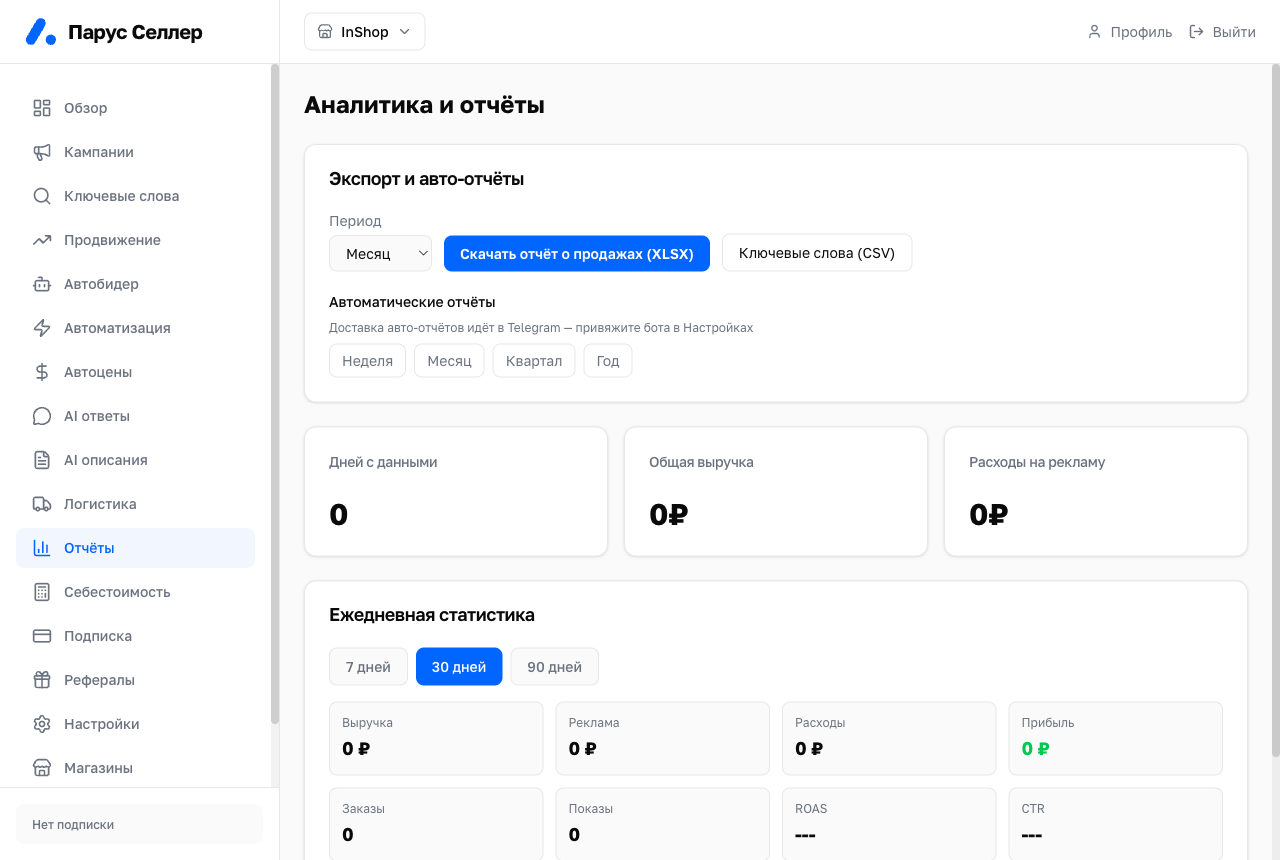
Report export
All exports are collected in the "Exports & auto-reports" card at the bottom of the page. The "Export report" button in the header leads straight to it.
For the period selected at the top of the page, you can export:
- "Full report (PDF)";
- "Where the profit went (XLSX)";
- "Daily statistics (CSV)".
You can download a sales report in XLSX for the last full:
- week;
- month;
- quarter;
- year.
The report includes data per article number:
- revenue;
- payout;
- product cost;
- advertising;
- tax;
- net profit.
The "Keywords (CSV)" button exports keyword statistics.
Auto-reports
Auto-reports are enabled with toggles for week, month, quarter and year.
Auto-reports arrive by email. If Telegram is linked to your account, they arrive there too.
Daily statistics
Below, daily store statistics are shown for 7, 30 or 90 days:
- revenue;
- advertising;
- expenses;
- profit;
- orders;
- impressions;
- ROAS;
- CTR.