
Product costs
This section shows how much is left from each sale before ads, and the purchase costs you enter here feed profit in reports, auto pricing and the CPA optimizer.
30-day summary
- "Sales without purchase cost": the share of sales for products with no purchase cost entered.
- "Left per sale before ads": the average amount left from one sale.
- "Margin before ads": the range from your worst product to your best.
- "Left over 30 days before ads": the total for the period.
- "Below target": how many products fall short of the "Target margin, %" field in the "Auto Pricing" section, 20% by default. The target works as in Auto Pricing: the share of the price after commission and tax that is left after ads. So the product's ads per unit sold over 30 days come off what is left.
What is left from a sale
The table breaks the WB price down into commission, logistics and storage, tax, deductions and purchase cost. It shows what is left before ads in rubles and in percent. The chips "All", "No purchase cost", "Below target" and "Loss-making" filter the products. Click a product to see the breakdown of a single sale, the break-even price and the price for the target margin.
How to enter purchase costs
Click a "Purchase cost" cell, enter the amount and press Enter: the value is saved and the cursor moves to the next product. To set one amount for several products, use "Select several", then "Set for selected…". For the whole catalog, click "Upload purchase costs": download the template with all your products, fill in the "Себестоимость (₽)" column and upload the file. Rows without a purchase cost are skipped, and the import overwrites values you entered by hand.
A wrong purchase cost distorts profit, auto pricing and the CPA optimizer. Check the file before uploading.
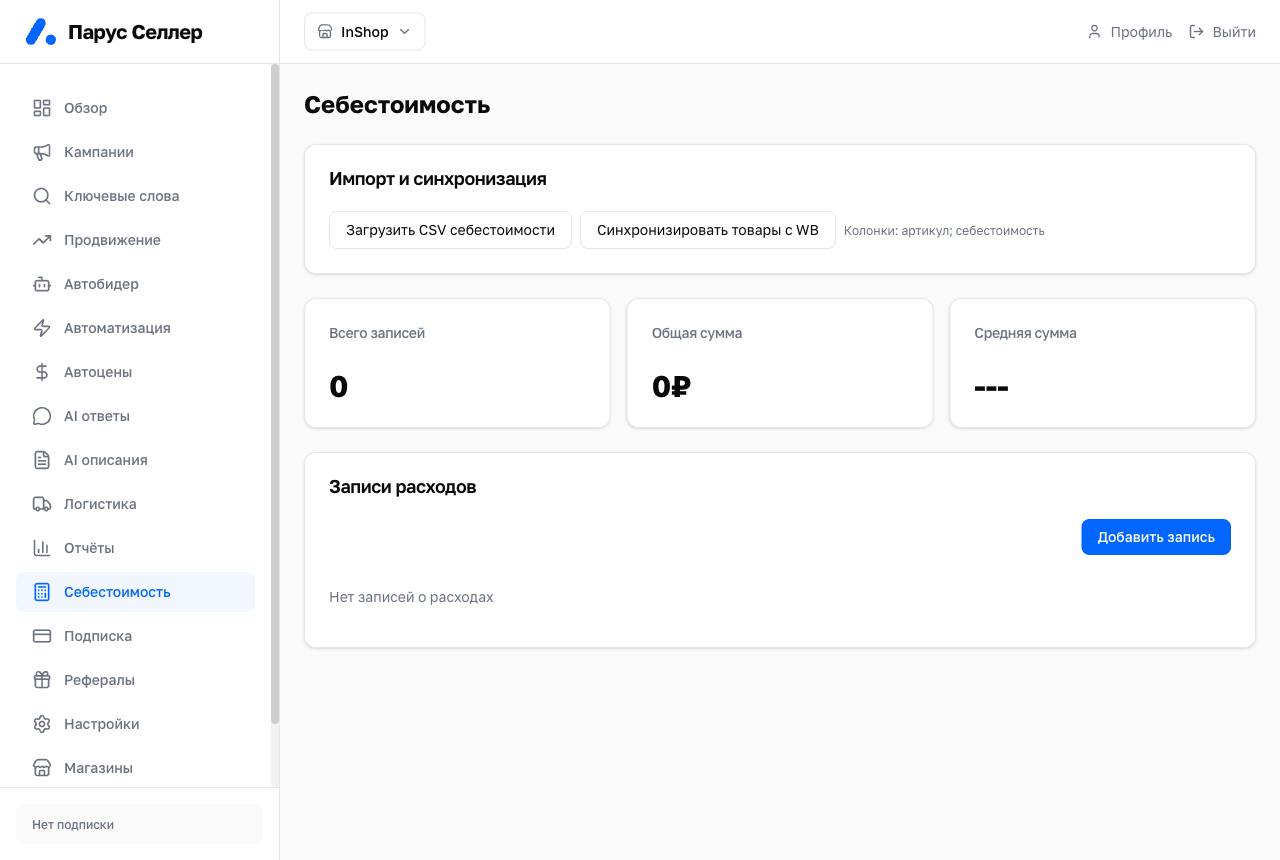
The "Sync products with WB" button in the "Import & sync" block refreshes the catalog manually.
Other expenses
Add packaging, marking, delivery to WB, design and other costs under "Other expenses": type, amount, description and date. A monthly bill is split across the products sold, and a cost for a batch is split across the number of units you specify.