
Settings, stores and team
This section gathers account settings, connected stores and the store team.
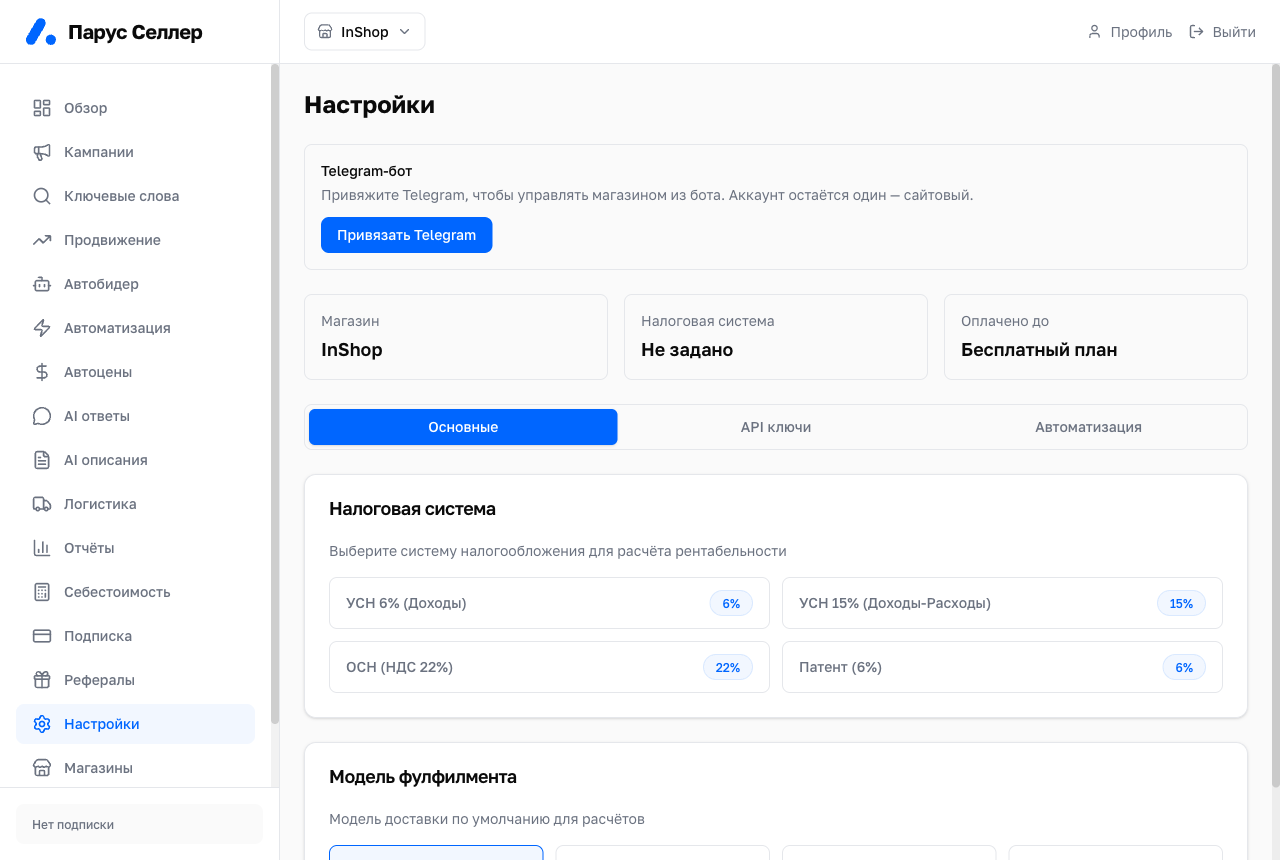
Settings
Settings is a single column of sections:
- «Wildberries API key»: which categories the key opens and when it expires. The «Check access» button tests the key live; you replace the key on the Stores page.
- «Notifications»: where the cabinet reports what matters. Telegram is linked here with a code, so notifications arrive there too.
- «WB cabinet login»: a seller cabinet session via an SMS code. Only needed for auto-booking of supply slots.
- «Tax regime»: the rule the cabinet uses to deduct tax from every sale.
- «Fulfillment model»: FBS, DBS, FBW or Express. It sets the logistics used in profit calculations.
- «Store & subscription»: how the store appears to support and when access is paid until.
The auto-feature toggles live in their own sections, and their overall summary is the Automation block on the Overview.
Stores
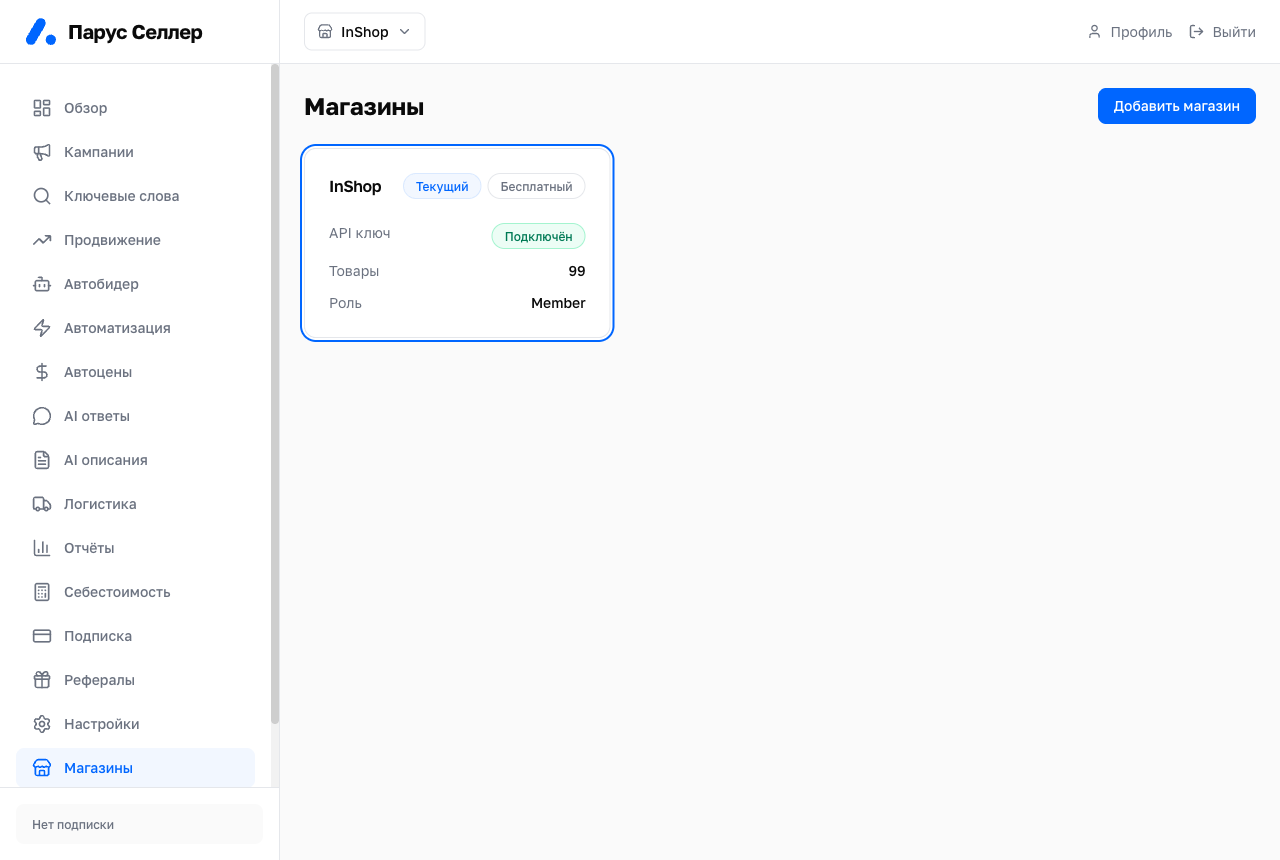
The Stores page lists your stores with their product counts.
Here you can:
- Add a new store with a WB API key.
- Switch the active store.
- Replace the WB key when it expires or lacks categories.
Team
Employees are invited on the Team page in the sidebar.
Roles:
- Viewer: sees reports, changes nothing;
- Manager: campaigns, bids, prices, automations; no access to the WB key or people;
- Owner: everything, including the WB key, invitations and payment.