
WB Trends
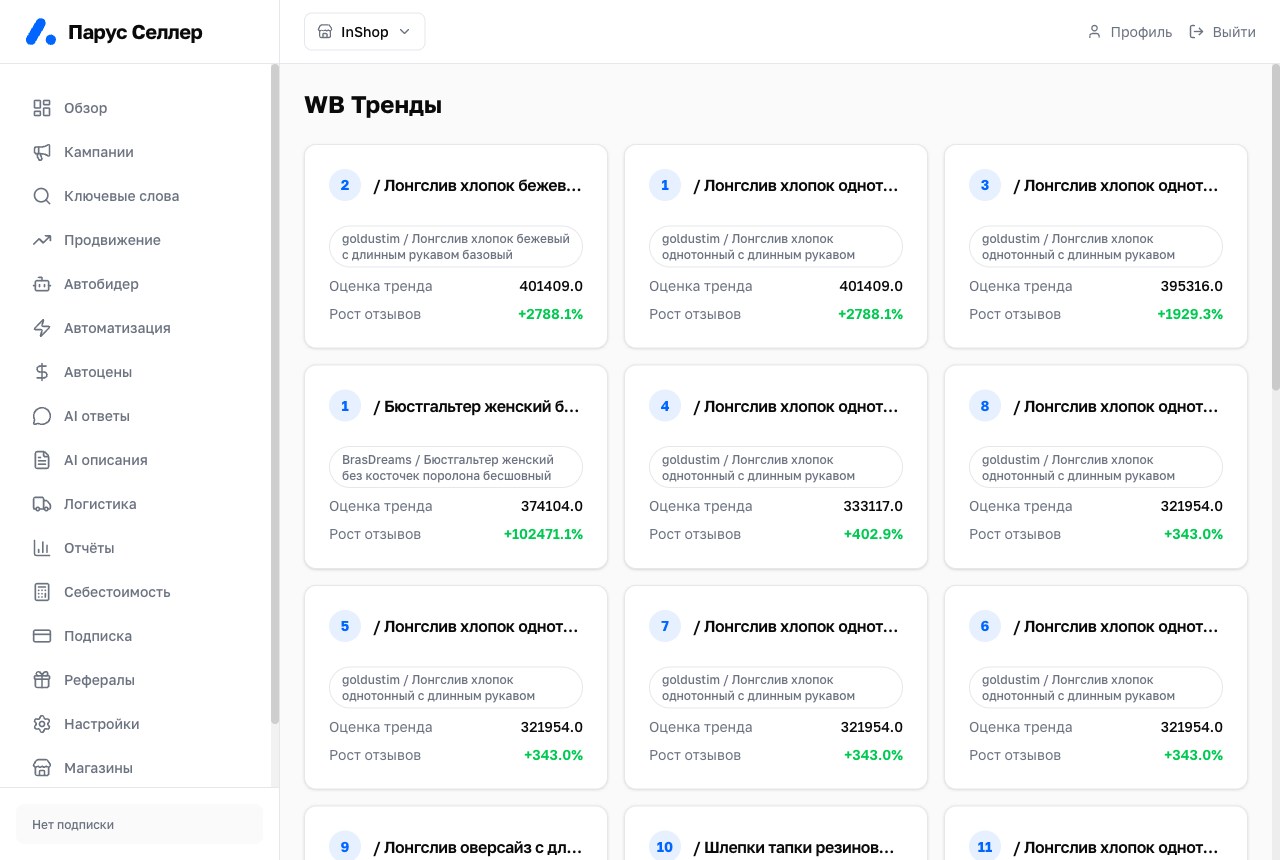
This section shows Wildberries products whose demand is growing fastest, and the niches where that growth is happening.
Where the numbers come from
Wildberries doesn't share other sellers' sales data. So demand is calculated from public traces:
- demand speed is the rate of new reviews on a card. Roughly every 10th to 20th customer leaves a review, so the review rate mirrors the order rate;
- the monthly sales estimate comes from stock depletion, which does not affect demand speed. Only smooth write-offs within the usual daily rate are counted: a sharp stock increase means restocking, a one-off drop means the seller pulled stock out, and both are discarded.
Data is collected in snapshots. The snapshot date sits under the heading. If the snapshot is older than two days, the page warns you and shows the last one collected.
How to use it
- Choose a niche or leave the whole snapshot selected.
- Cards are sorted by demand speed, the fastest at the top.
- Click a card to open the breakdown: demand, price and stock charts.
- The "Break down the niche" button shows all products in the niche, so you can gauge how many sellers are in it and who's capturing the demand.
Card photos open on click, each one can be downloaded as WEBP, PNG or JPG.
What this section doesn't do
Trends doesn't change anything in your store and doesn't spend any money. It's market analytics only.