Wildberries for sellers is the WB Partners portal at seller.wildberries.ru and the app of the same name. Accounts are open to legal entities, sole proprietors and self-employed people who are Russian tax residents, registration goes by the owner's phone number and tax ID, and the only mandatory payment to the marketplace is 5,000 ₽. In the portal a seller creates cards, sends supplies, and checks commission, reports and payouts, and in the instructions section WB publishes the rules with the date of the last update.
The query "Wildberries for sellers" is typed both by people looking for the login to their account and by people only thinking about starting to sell. Below is a map of the portal for both cases: what the service is, who can register in it, where the sections you need from day one sit, and in what order to learn them. We checked the paths in the portal against the WB instructions our breakdowns rely on.
In short: the WB seller portal is called WB Partners and works at seller.wildberries.ru and in the app. Legal entities, sole proprietors and self-employed people can open an account, and there is one mandatory payment, 5,000 ₽. Money arrives on request, about once a week. The rules are in the WB instructions and in the offer agreement, which changes with notice ranging from 45 days to none.
What WB Partners is and who can become a seller
WB Partners, shown in the interface as «WB Партнёры», is the Wildberries seller portal. It works in the browser at seller.wildberries.ru and in the WB Partners mobile app. WB advises turning on notifications both on the portal and in the app so you don't miss a new order.
Legal entities, sole proprietors and self-employed people who are Russian tax residents can register. That is what the WB instruction "Registering a new seller", updated on 1 September 2026, says. A private individual with no status will not get an account: first you need to become a sole proprietor or self-employed. Self-employed sellers have their own limits: only goods of their own making, no Chestny Znak marking, and income up to 2.4 million ₽ a year, more in the article on self-employed sellers on WB.
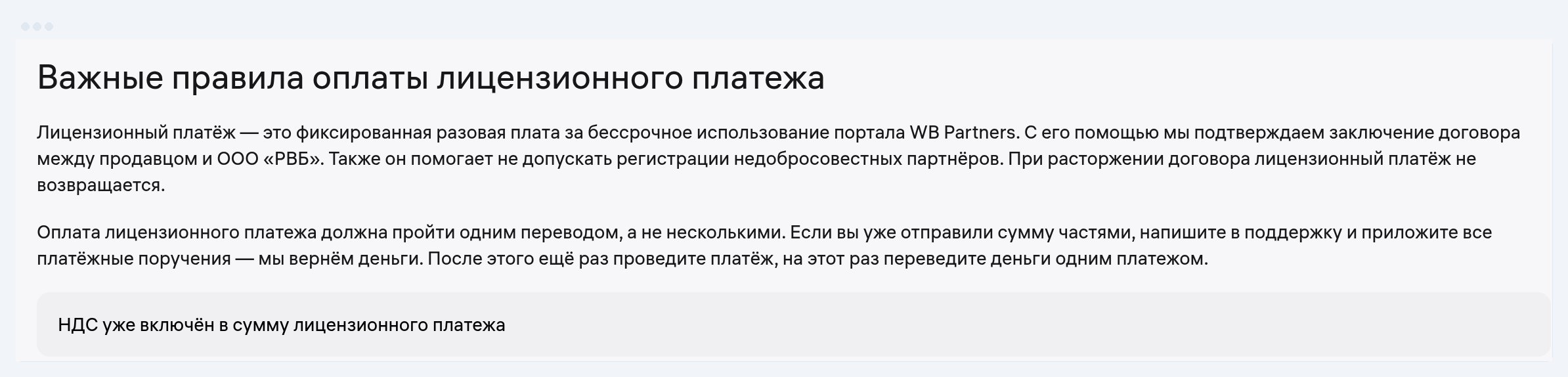
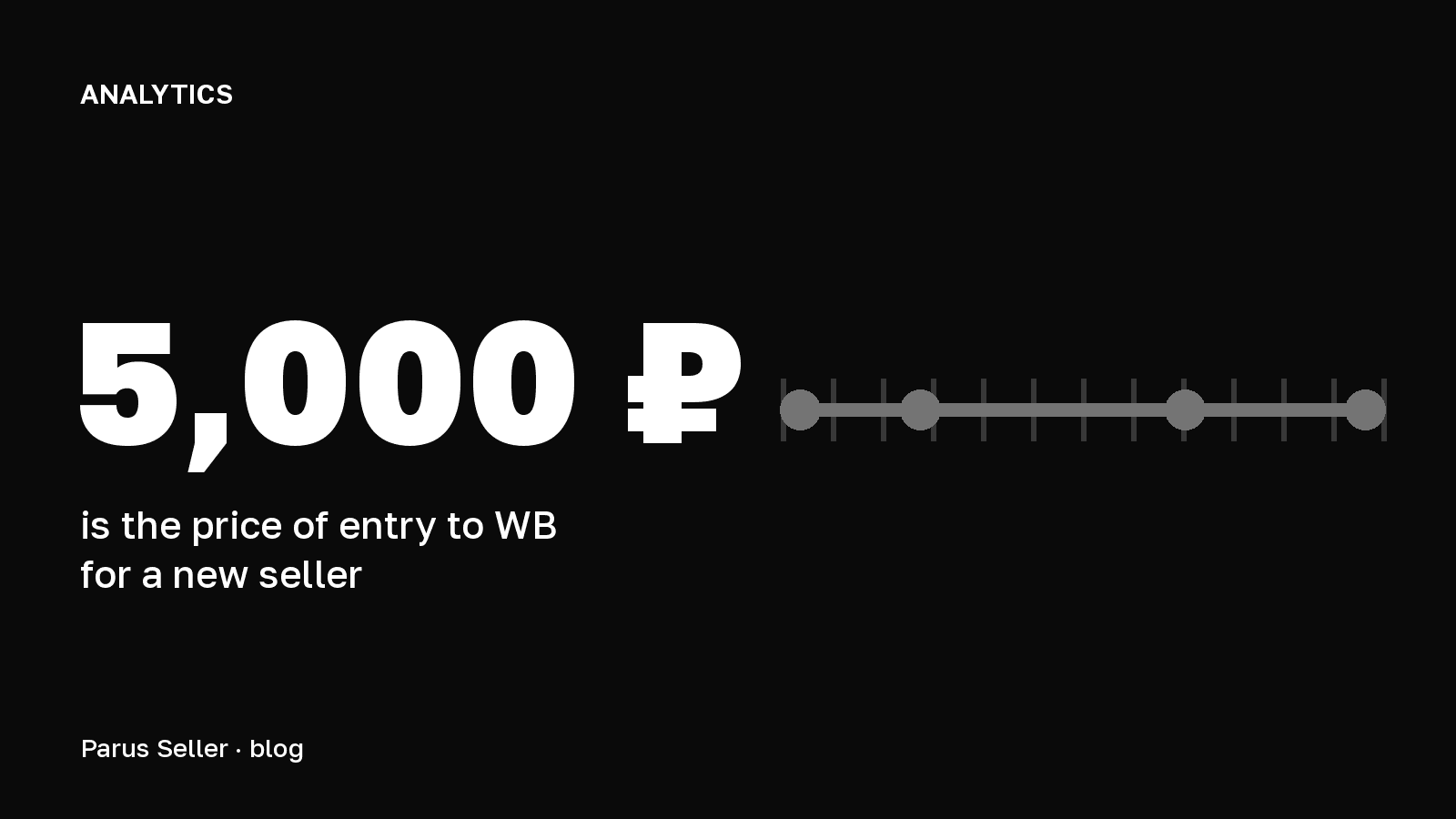
Pay the 5,000 ₽ fee with care: WB asks you to pay it in one transfer, VAT is already inside the sum, and if the contract is terminated the money is not returned. A legal entity pays only from a business bank account under its own tax ID, while a self-employed seller can pay from a personal card.
How to register as a seller on Wildberries
Registration goes by the owner's phone number and tax ID. Then you accept the offer agreement, choose a tax regime if you are a legal entity or a sole proprietor, and pay the 5,000 ₽ licence fee. WB returns it as promo bonuses to the advertising account for a year, and if it is not paid within 14 days of starting registration, the account is deleted. The account is usually activated within a day.
We went through all twelve steps of the WB instruction in the article on how to sell your own product on WB. If your business form changes later, you don't need a new account: it is changed in the "Settings" section, in the seller details.
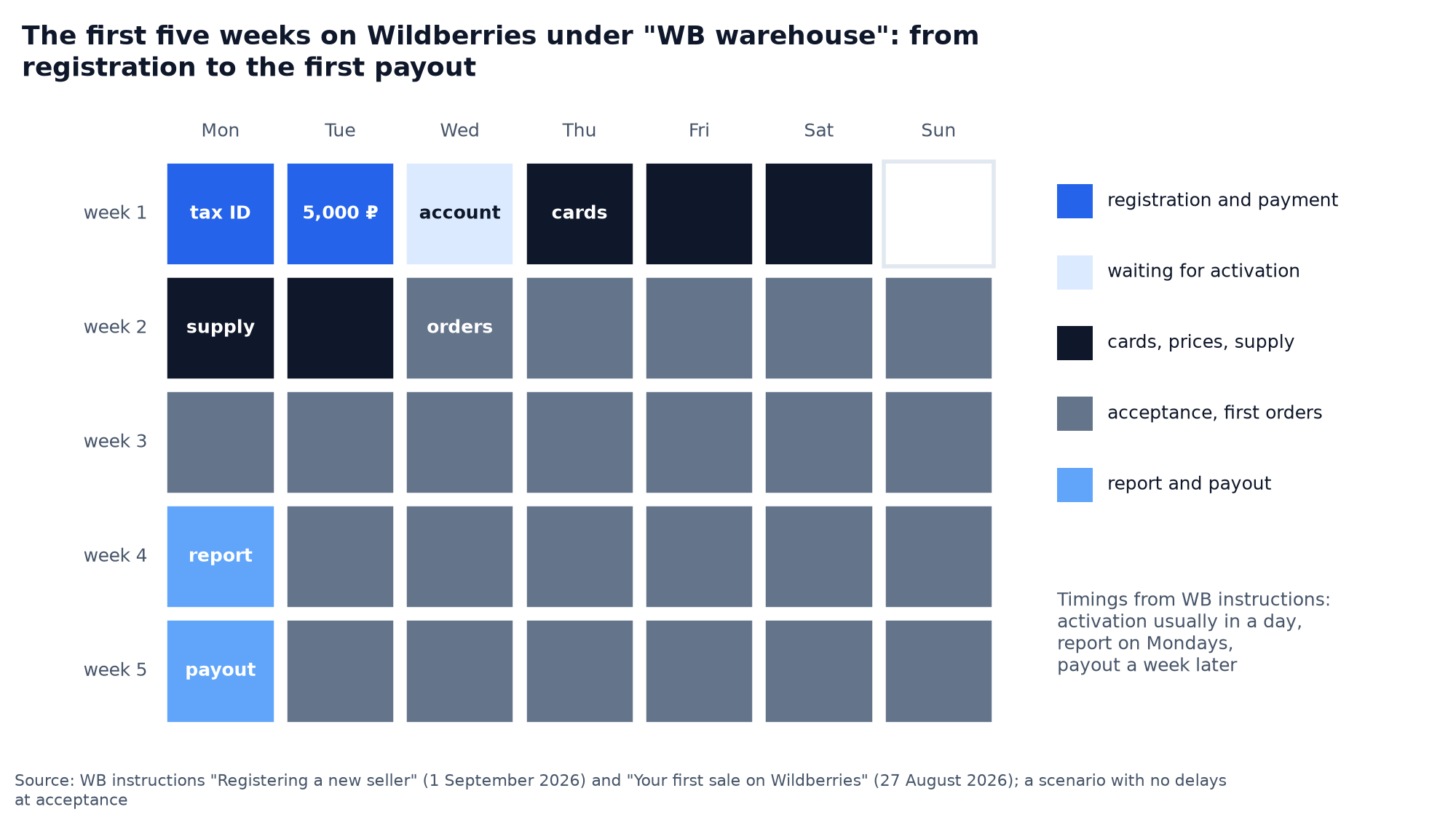
We put the deadlines from the WB instructions into a calendar. If you register on Monday and pay on Tuesday, the account opens on Wednesday. By the end of the week you can create cards and set prices, early in the second week you take a supply to the warehouse, and the first orders come after inbound acceptance.
The main sections of the seller portal
The portal is large, but from day one you need about ten sections. We put them in one table: what to do, where it is in the portal and where to read the details.
| Task | Where in the WB Partners portal | Detailed breakdown |
|---|---|---|
| Create a product card | "Products and prices" → "Product card" → "Add" | Product card |
| Send goods to a WB warehouse | "Supplies and orders" → "Supplies (FBW)" | Supply to WB |
| Check the commission for a category | "Supplies and orders" → "Rates" → "Commission" | Commissions by category |
| Find the sales report | "Finance" → "Financial reports" → "Weekly" | Weekly report |
| Check the payout details | "Settings" → "Seller details" | Payouts to the seller |
| Launch advertising | "Promotion" | Promotion on WB |
| Connect a service by API | "API integrations" → "+ Create token" | WB API token |
| Read the current offer agreement | "Offer agreements", the "Offer agreement archive" tab | WB offer agreement 2026 |
| Upload a certificate or declaration | "Products and prices" → "Product card" → "Documents" → "Add" | Refusal letter and documents |
| File a claim over a penalty | "Support" → "Pre-trial claims" | WB penalties |
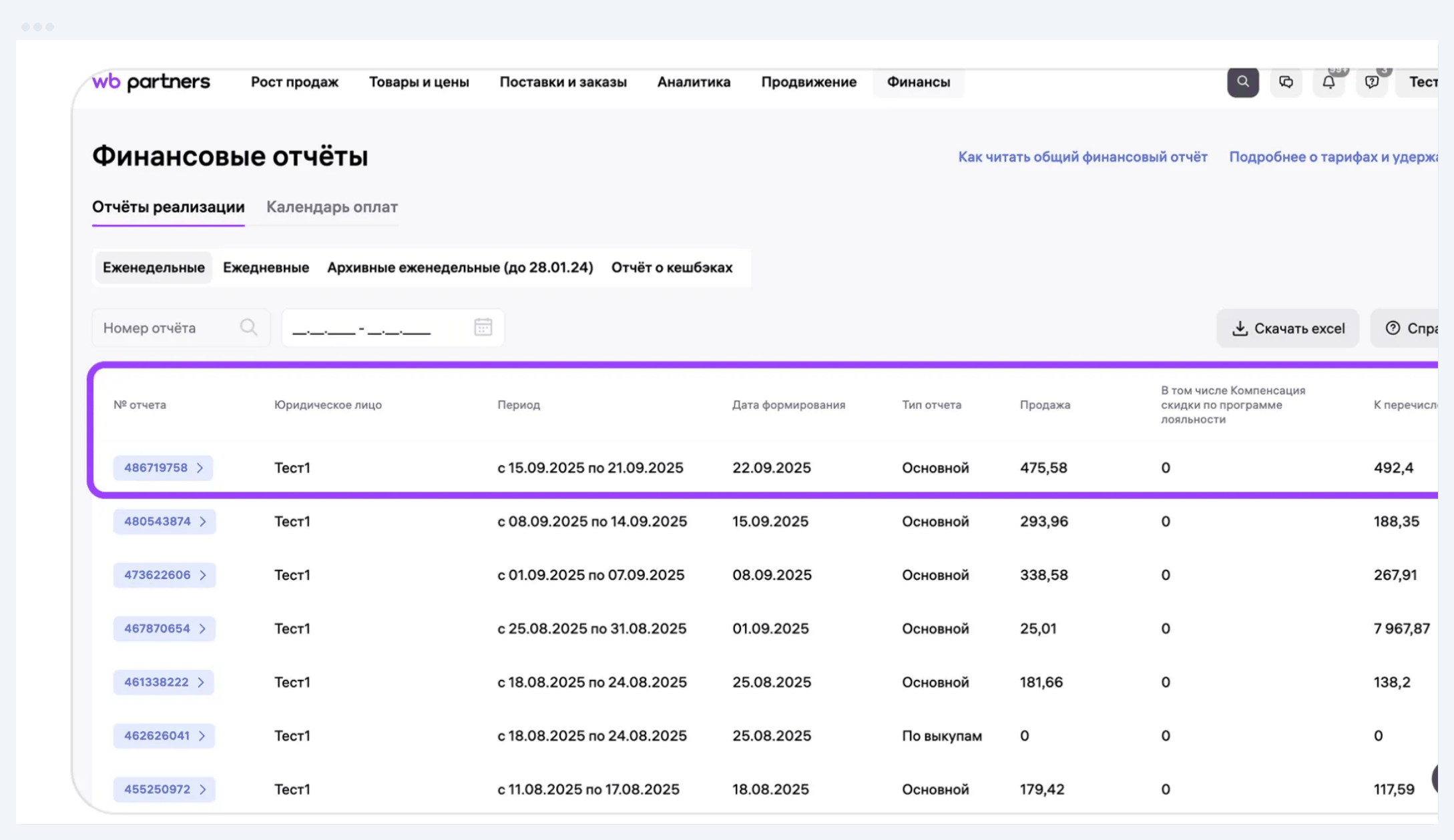
The WB interface changes, and section names move from time to time. If the paths don't match, check against the instructions on the portal: each one shows its update date, and that tells you how fresh it is.
Where to find the rules: instructions and the offer agreement
The official rules for sellers live in two places. The first is the instructions at seller.wildberries.ru/instructions: they describe registration, sales models, reports, rates and most portal processes, and every instruction has a last-updated date. The second is the offer agreement: the numbers and validity periods of all versions are shown on the seller.wildberries.ru/terms page, and in the portal every revision since 23 March 2022 sits on the "Offer agreement archive" tab.
The notice period for a change to the offer agreement depends on the kind of change. From 1 October 2026 WB gives 45 days' notice for 18 kinds of change, 15 days for the rest, one day for improvements for the seller, and automatic rate recalculation applies immediately.
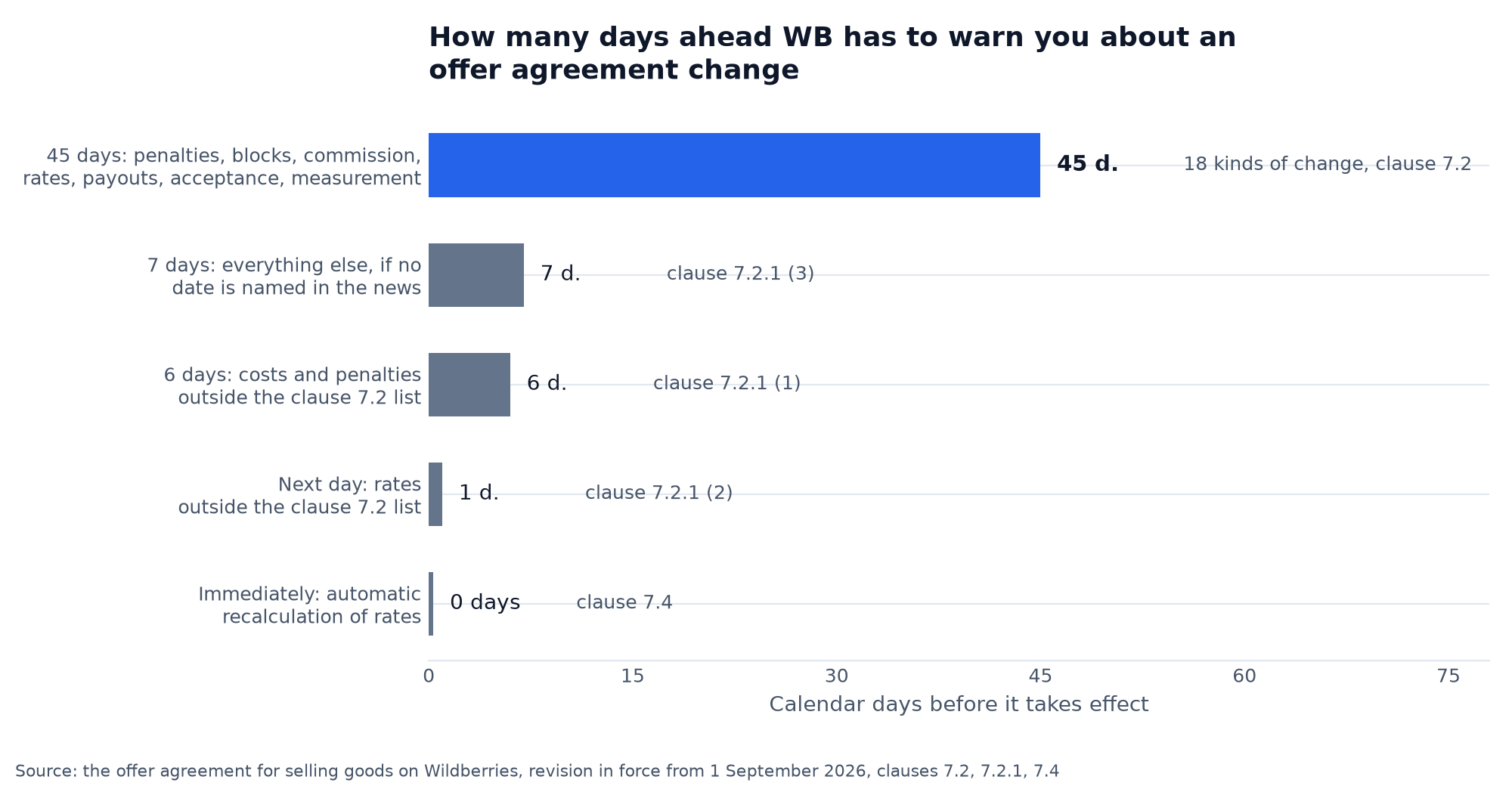
Commissions, penalties and deadlines change along with the offer agreement, so it is worth reading the news in the portal at least once a week. What changed in the latest revision we covered in the article on the WB offer agreement 2026.
How a seller gets paid
WB does not transfer the money for sales on its own. Once a week a new report and a new amount available for withdrawal appear, and the transfer comes on the seller's request. A seller who files the request every Monday gets paid about once a week, three weeks behind the sales. The first payout arrives about two weeks after the first sale.
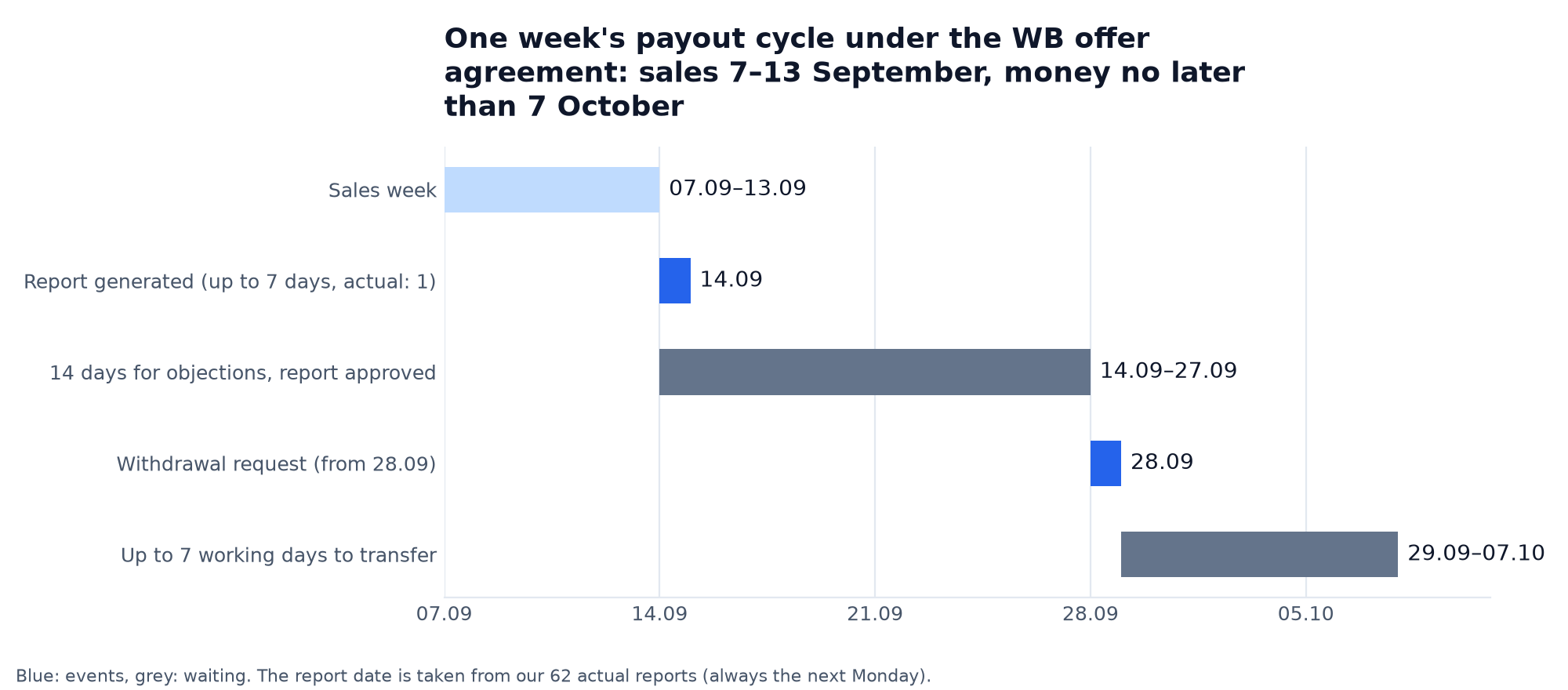
The timeline shows where the three weeks come from. One week's sales go into the report the following Monday, the report is approved, then the seller files a request, and WB transfers the money within 7 working days at most. The minimum request amount is 500 ₽.
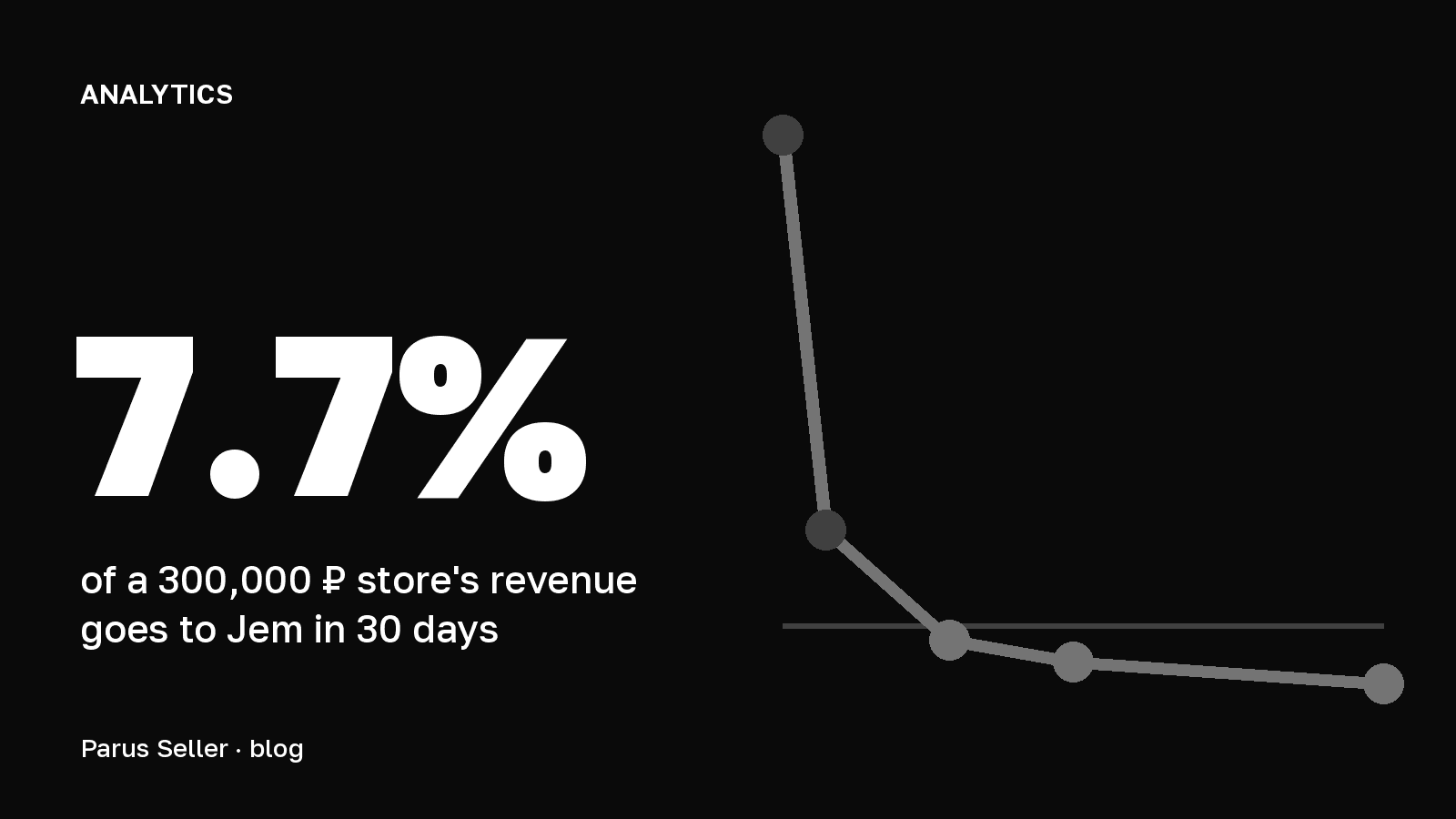
Before the payout WB withholds commission, logistics, storage, inbound acceptance, penalties and advertising, so the amount for withdrawal is noticeably smaller than revenue. For a store with a turnover of 6 million ₽ a month, the marketplace kept 51.3% of the customer's money. The line-by-line breakdown is in the article on how much Wildberries takes from a seller, and how to check the amount against the report is in the article on payouts.
Where a beginner should start
The order in which to learn WB matches the order of spending. First the product and the economics, then registration, then the card and a small first batch.
- Choose a product and check the niche on open data, as in the article on what to sell on WB.
- Calculate the profit per sale in the unit economics calculator before you buy stock.
- Get a status and register on WB Partners.
- Create a card and send a trial batch.
- Enter the cost of goods into your accounting on day one, so the portal shows profit rather than revenue alone.
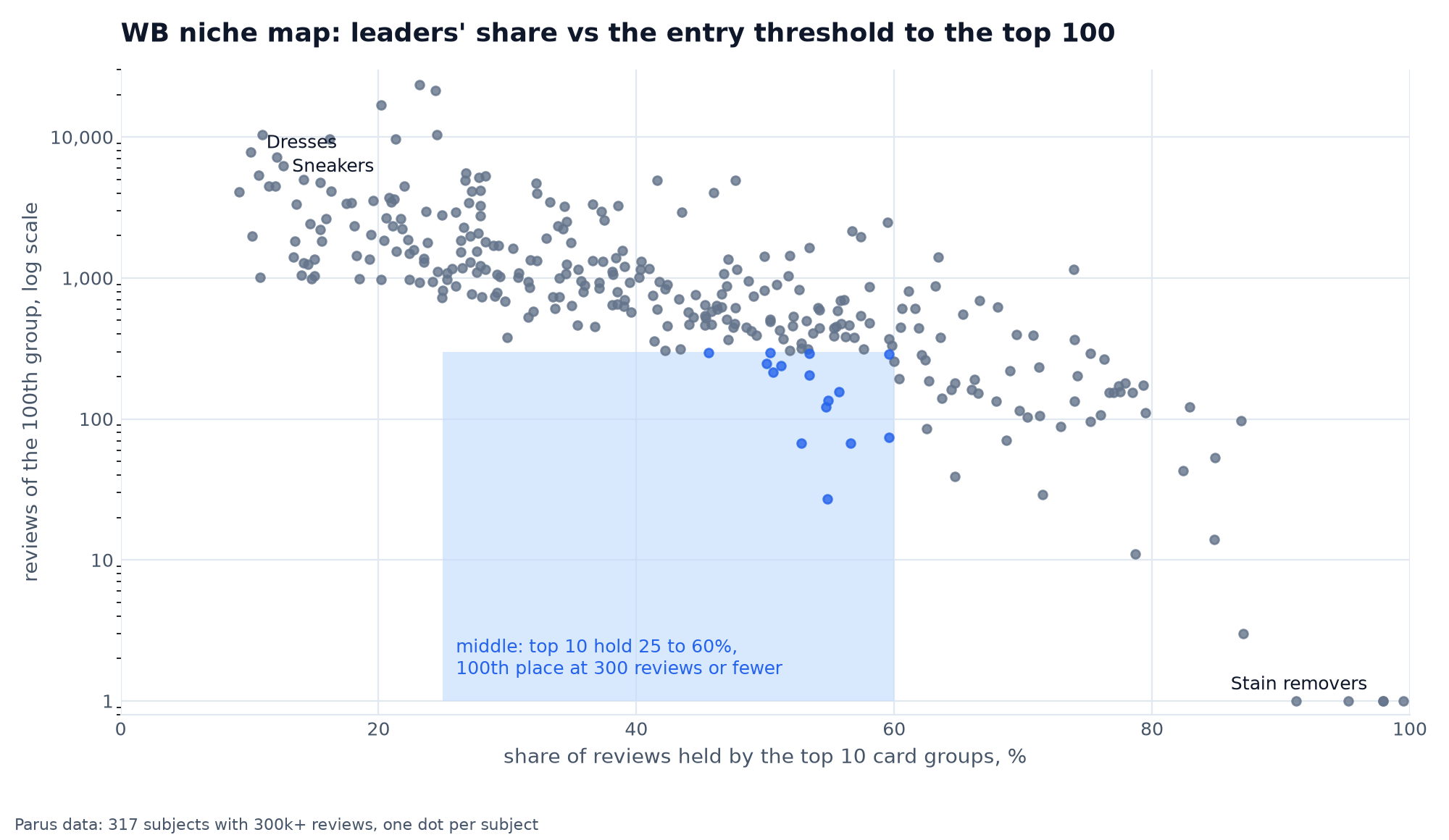
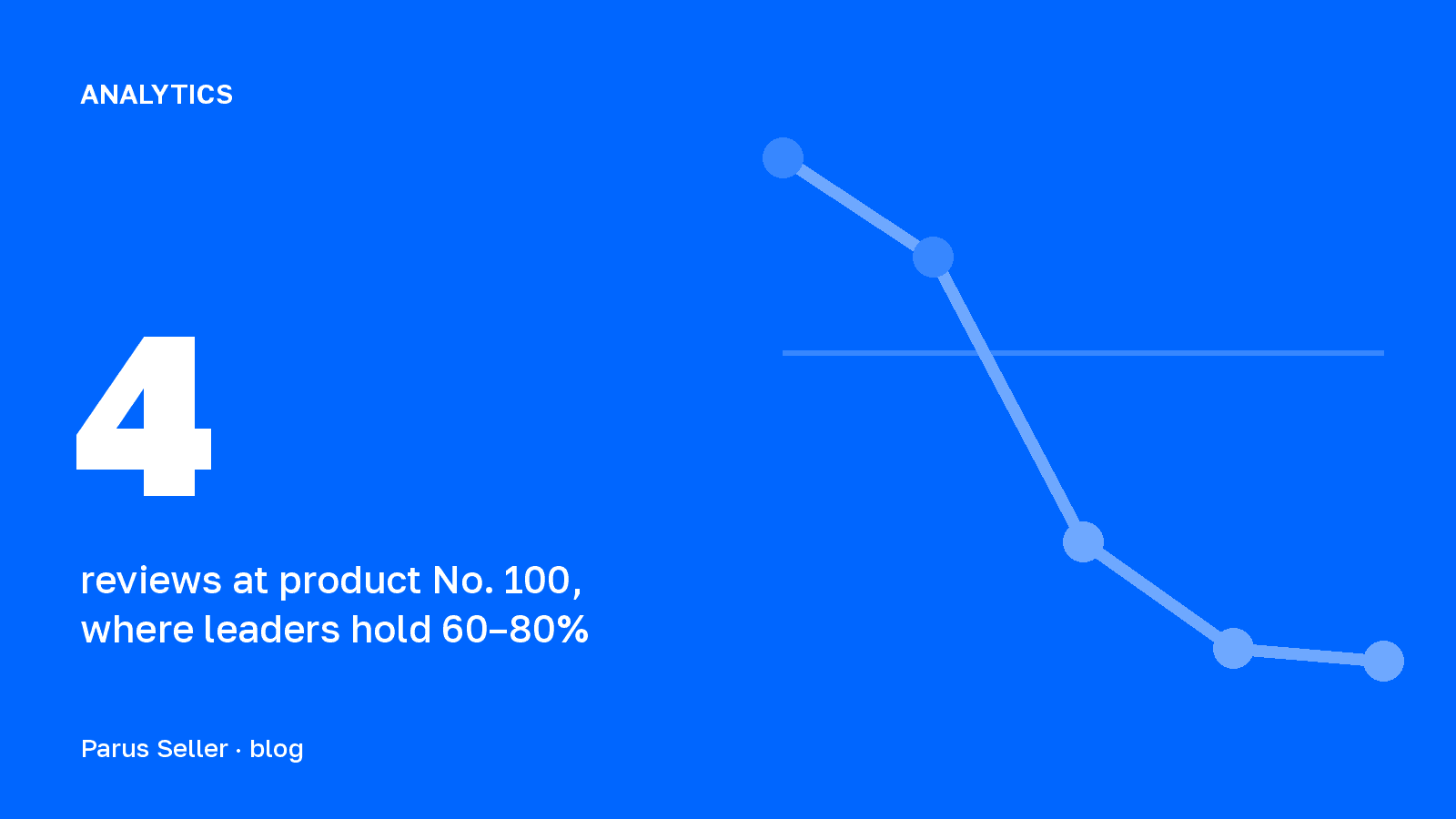
The first item matters most. The niche map shows where a beginner has an easier way in: in the middle zone the top 10 hold 25 to 60% of reviews, and the hundredth product has fewer than 300. There you do not need thousands of reviews to get into the first hundred search results.
The whole path with a start budget is collected in the guide How to open a Wildberries store from scratch. If you have no time to go through it yourself, you can hand the launch to our team: turnkey Wildberries store.
FAQ about the WB seller portal
How do I log in to the Wildberries seller portal? Through the seller.wildberries.ru portal in a browser or through the WB Partners app. The account is tied to the owner's phone number given at registration.
How much does it cost to become a seller on WB? There is one mandatory payment: the 5,000 ₽ licence fee. WB credits it as promo bonuses for advertising that can be spent within a year, and the fee is not returned in money.
Can I sell on WB as a private individual? No. A private individual with no status will not get an account. The fastest route is self-employed status, but then you can only sell goods of your own making.
Where in the portal can I see the Wildberries commission? In the "Supplies and orders" → "Rates" → "Commission" section. The same place has the table of rates for all categories and sales models.